
News
Releases, tutorials and release notes from BeFX Studios.
 Hurricane
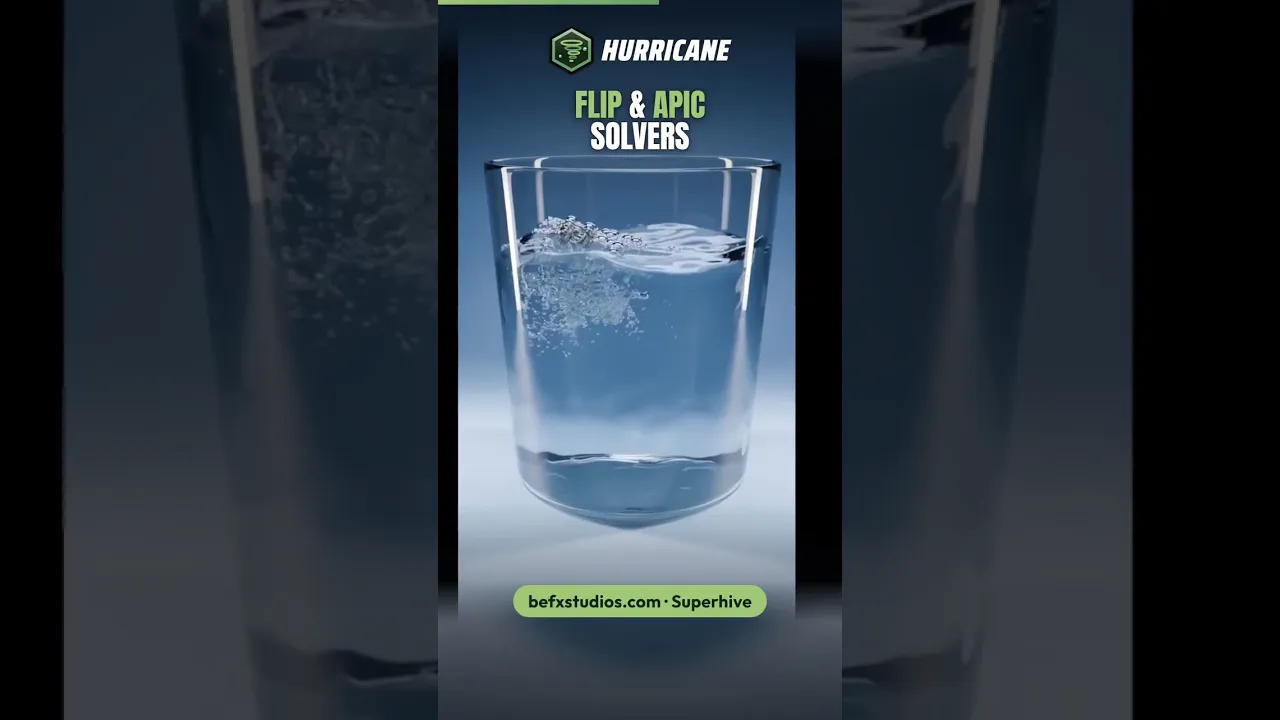
 0.9.8: GPU acceleration and new FLIP and APIC solvers
Hurricane 0.9.8 is out with GPU acceleration, new FLIP and APIC solvers for liquids and much faster DDR and PBD simulations.
More publications

 BeFX Studios
VDBLab and FluidLab update: better UI, new presets and shaders, and up-to-date documentation
VDBLab and FluidLab get an update: a better UI, bug fixes, new and improved presets and shaders, and up-to-date documentation for both.
 FractureLab
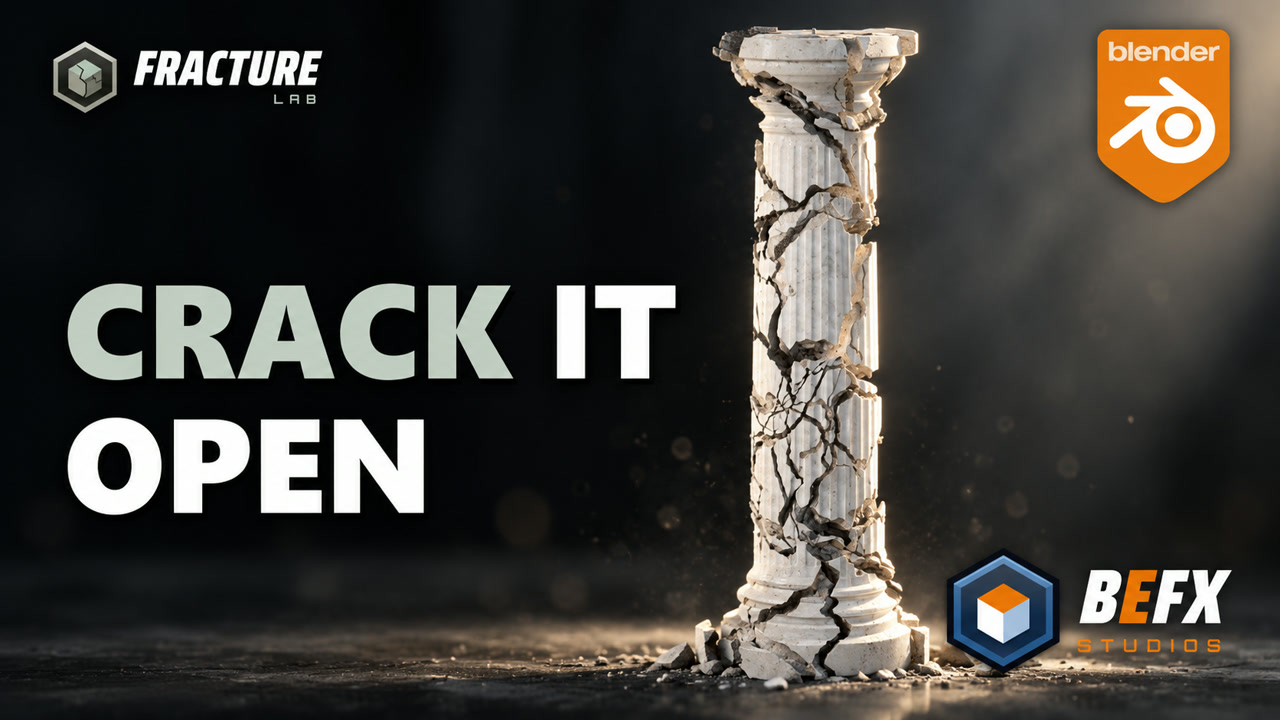
New FractureLab Tutorial: Hand-Drawn Fractures
Break a marble column with FractureLab by drawing the cuts by hand, add detail with Resolution, Repetitions and Subcutters, and inspect it with Explode.
 MatPlus
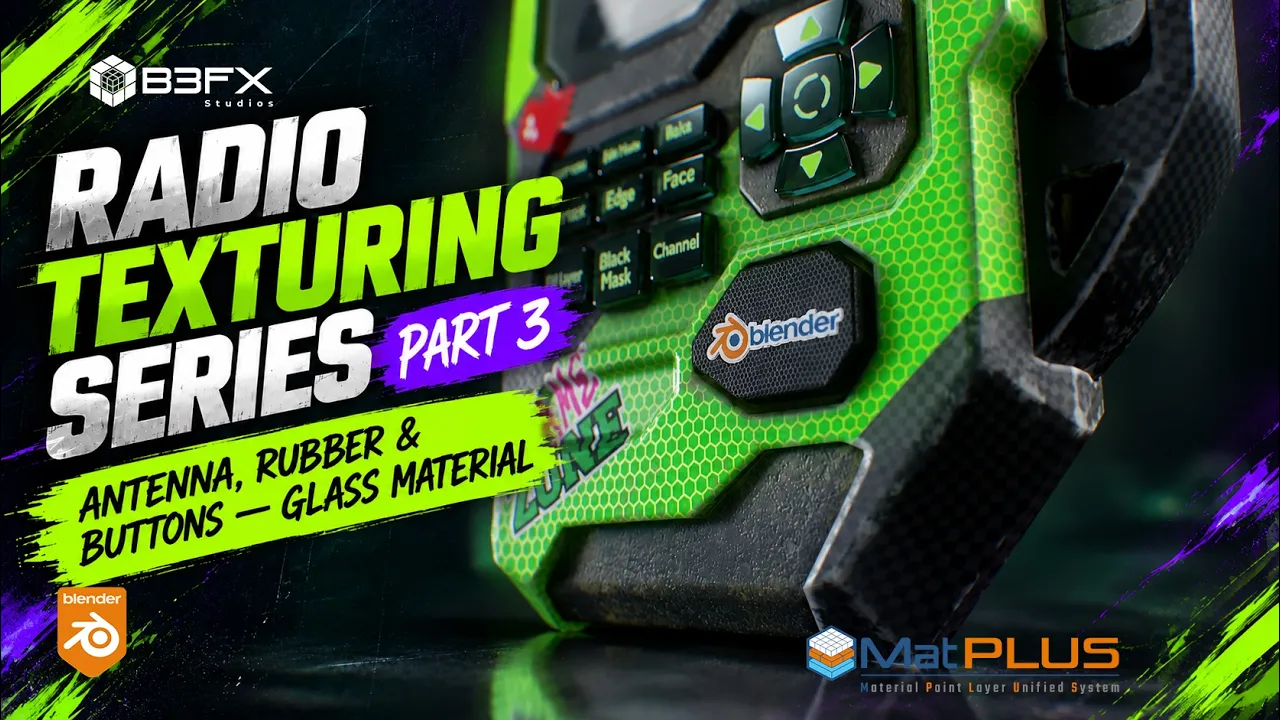
New MatPlus Tutorial: Radio Antenna, Rubber and Glass Buttons
Part 3 of the radio series: antenna roughness and edges, dotted and dirty rubber, and glass buttons with Transmission and a Blender decal.
 Hurricane
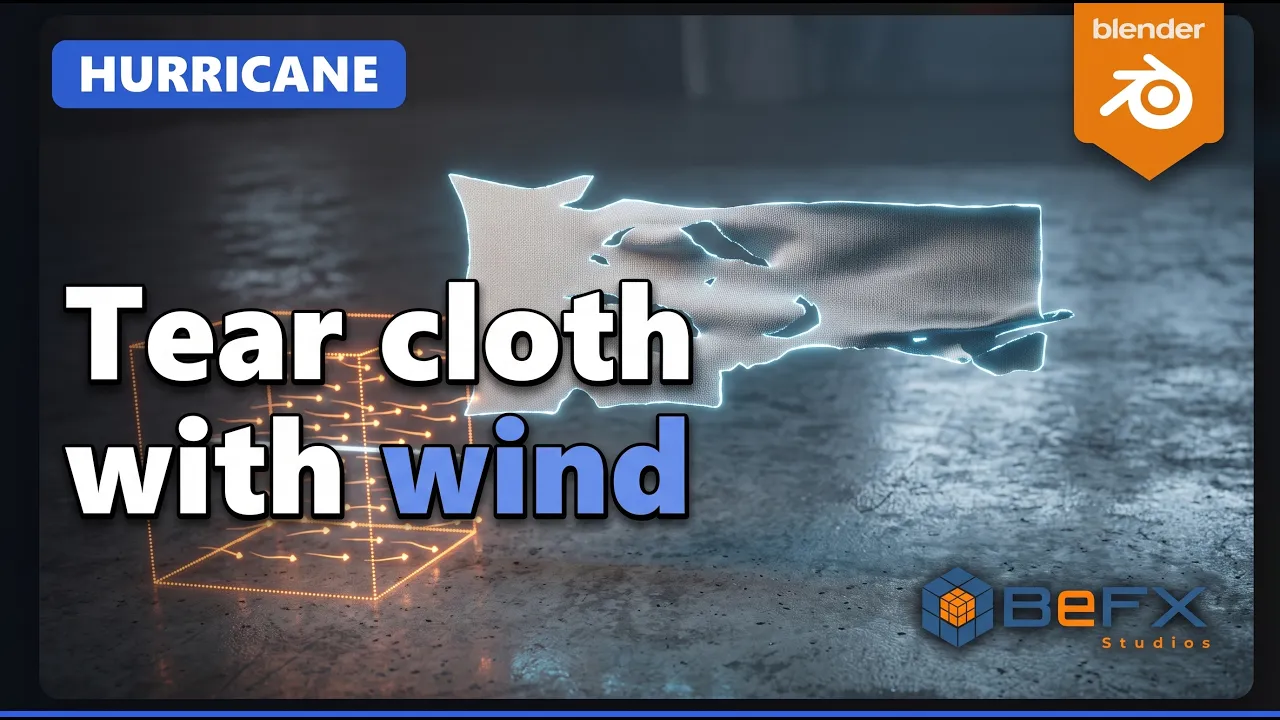
New Hurricane Tutorial: Cloth Tearing with Wind
Hang a cloth and let an ever-stronger wind tear it along seams you design yourself with Tools, Split and a breakable Weld.
 BeFX Studios
The BeFX Learning Hub Is Born: Learn All Our Add-ons Step by Step
Today we launch the BeFX Learning Hub, a new space at befxstudios.com/learn to learn how to use all our Blender add-ons at your own pace. A tutorial in...
 Hurricane
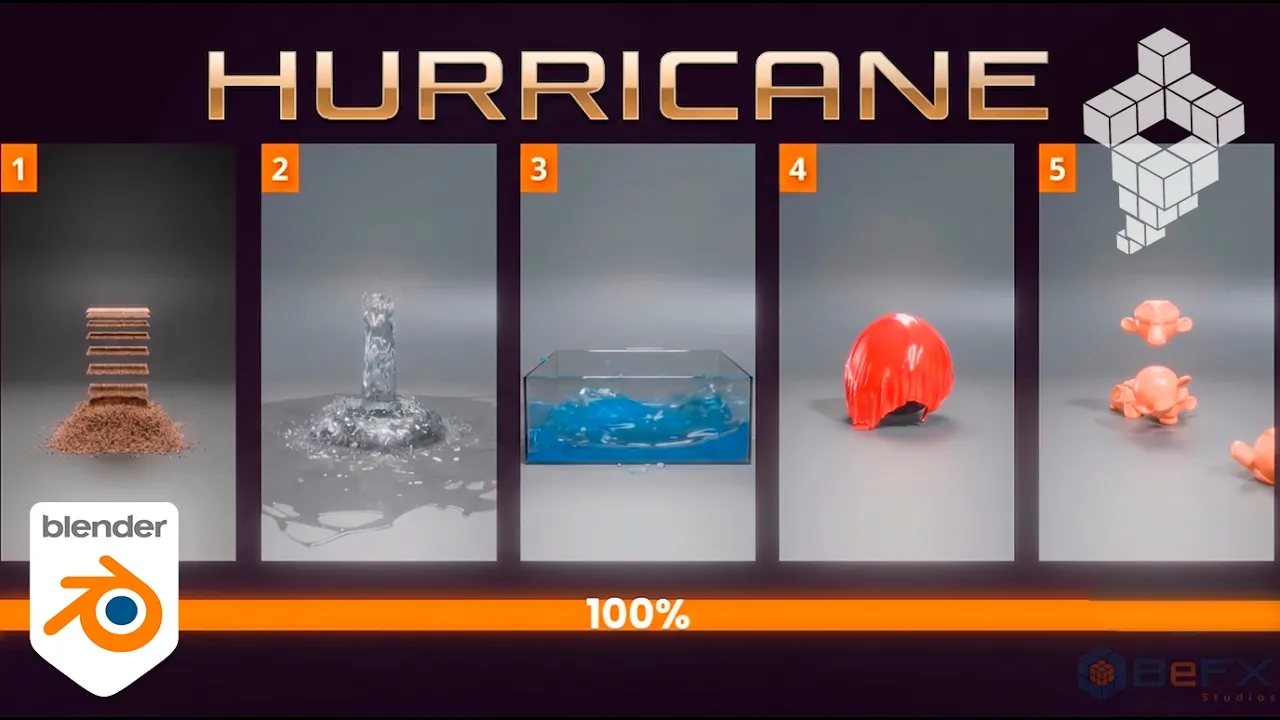
New Hurricane Tutorial: Material Presets
Learn to use Hurricane's emitter presets to create different types of materials: fluid, sand, cloth, and more. A great starting point to start creating all kinds of emitters.
 MatPlus
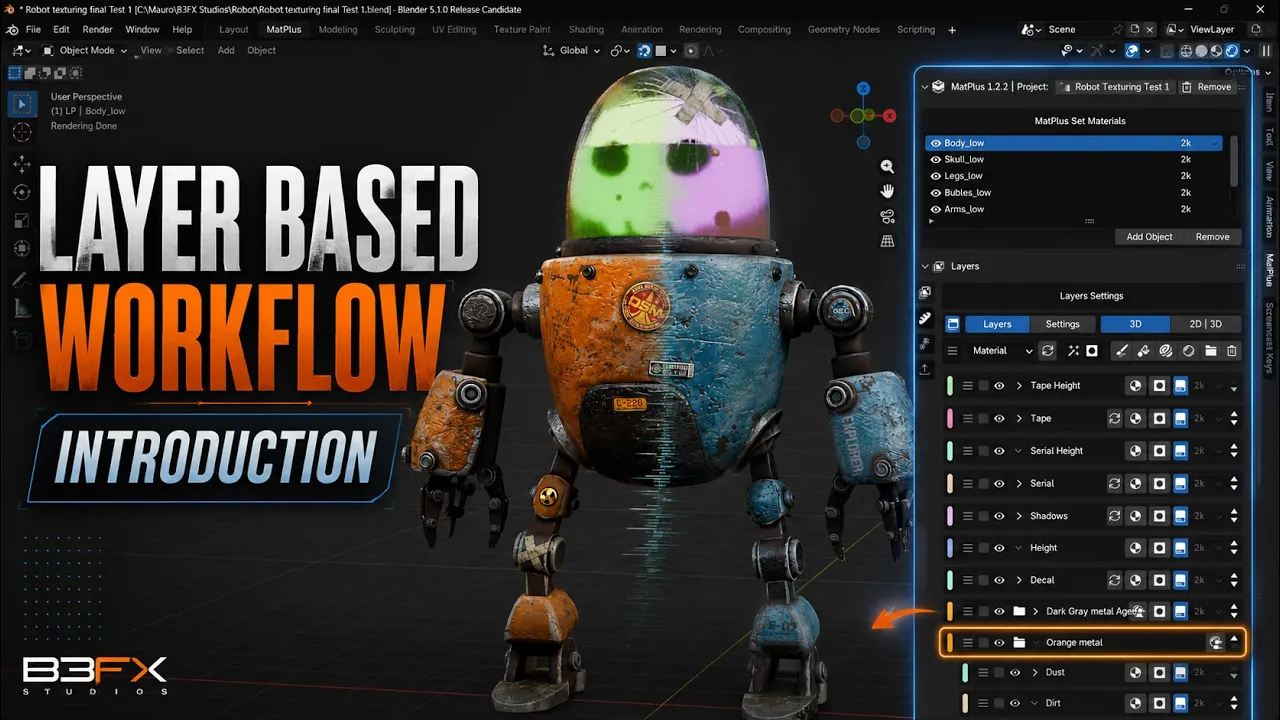
: Introduction to Layer-Based Workflow
First video in a series of basic tutorials about the layer-based workflow in digital painting and its implementation in MatPlus.
 Hurricane
Live on the Blendtuts channel
Tomorrow Friday 31 at 19:00 Spanish time, the Blendtuts channel will host an exclusive live stream to show the latest updates about Hurricane. In addition, they will raffle a full license among attendees. Don't miss it!
 BeFX Studios
Updates for Blender 5.2
We have released compatibility updates for all our addons with Blender 5.2, along with important bug fixes. Additionally, we are already working on new versions of Hurricane and MatPlus.
 BeFX Studios
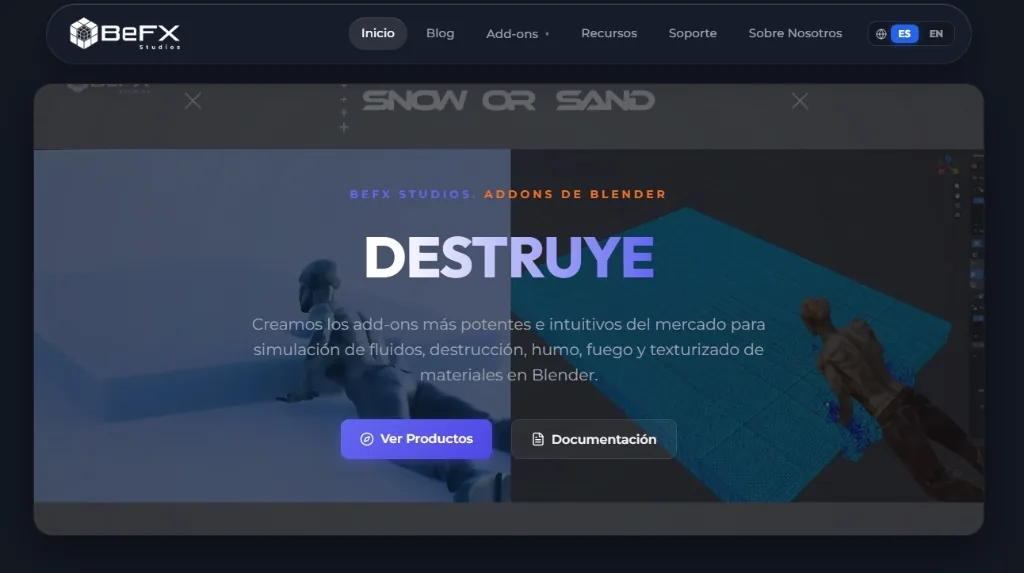
Welcome to the New BeFX Studios Website!
Welcome to the official new BeFX Studios web platform, a fully redesigned portal where we will publish weekly news, tutorials, updates, and ecosystem highlights.
 Hurricane
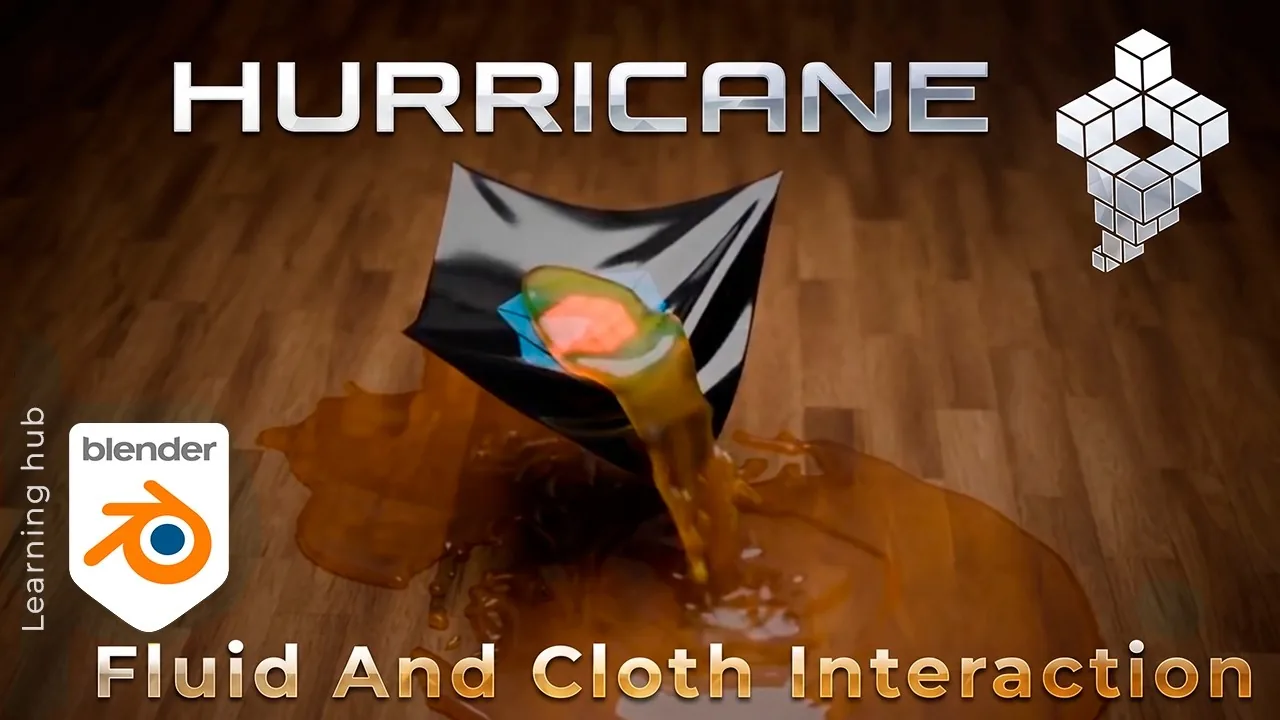
Tutorial: Fluid and Cloth Interaction in Hurricane (Blender 5.2)
Learn how to combine fluid simulation and cloth dynamics interacting simultaneously in real-time with Hurricane in Blender.
 Hurricane
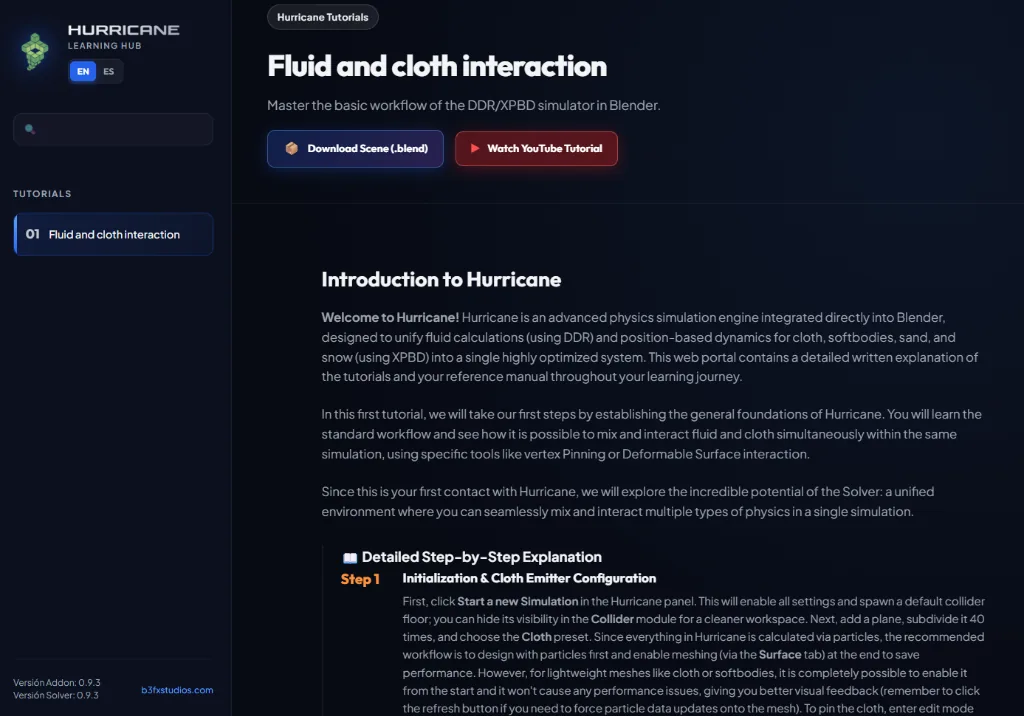
Introducing the Official Hurricane Learning Hub
Introducing the official Hurricane Learning Hub: structured course-like documentation breaking down every YouTube tutorial step by step with downloadable .blend project files.