MatPlus. Material Paint Layer Unified System

Substance Painter into Blender

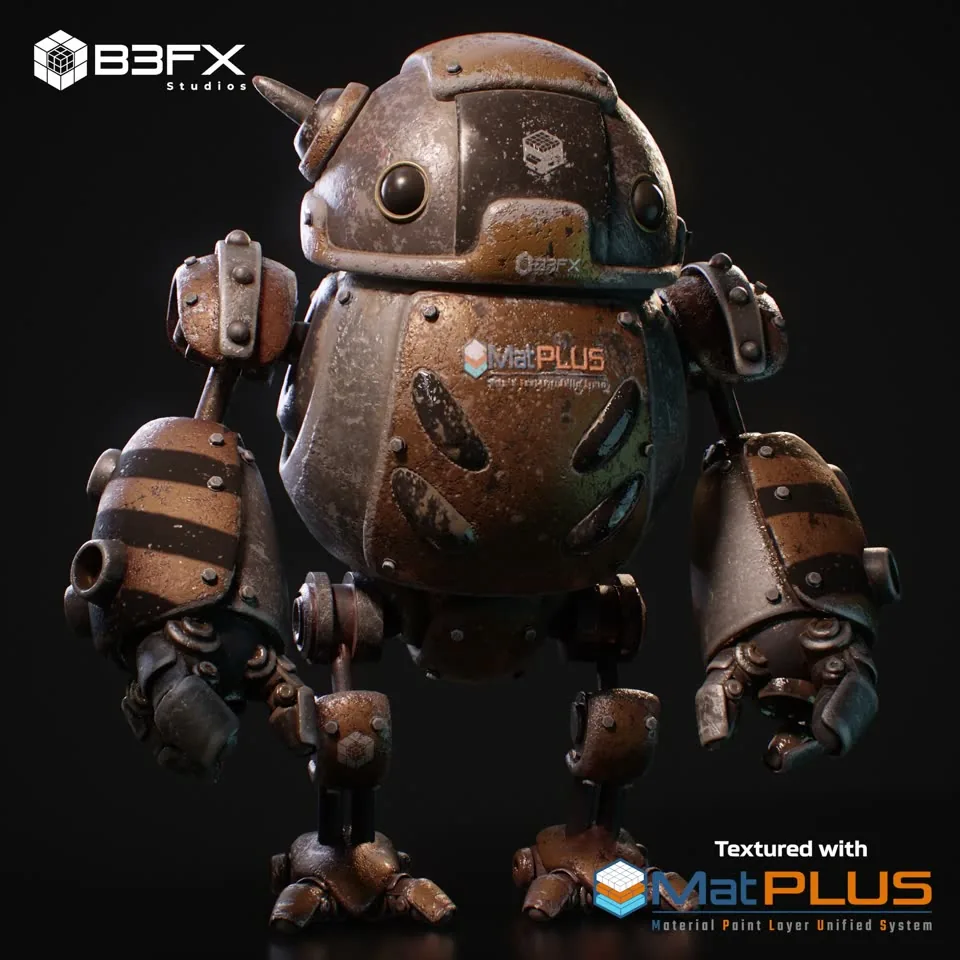
MatPlus turns Blender’s material editor into a powerful layer-based painting tool, inspired by professional workflows from Substance Painter, ArmorPaint, and Mari, but fully integrated into your Blender scene, with no need for external software.

Built for artists who need control, flexibility and precision, MatPlus offers a fully non-destructive Paint Layer system with support for masks, real-time effects (blur, levels, highpass, etc.), blending modes, and 2D symmetry. It also includes an advanced baking system with adaptive cages.

With MatPlus, you can paint directly onto your 3D models, work across multiple UDIMs, and export game-ready texture maps for engines like Unreal or Unity, without ever leaving Blender.

On top of that come reusable Smart Materials and Smart Masks, the cloud-connected BeFX Library, the Mask Generator, the Stitches effect, Skew Correction and export Output Templates.

The MatPlus toolset

The tools MatPlus brings to a texturing project from start to finish, without ever leaving Blender.

Smart Materials

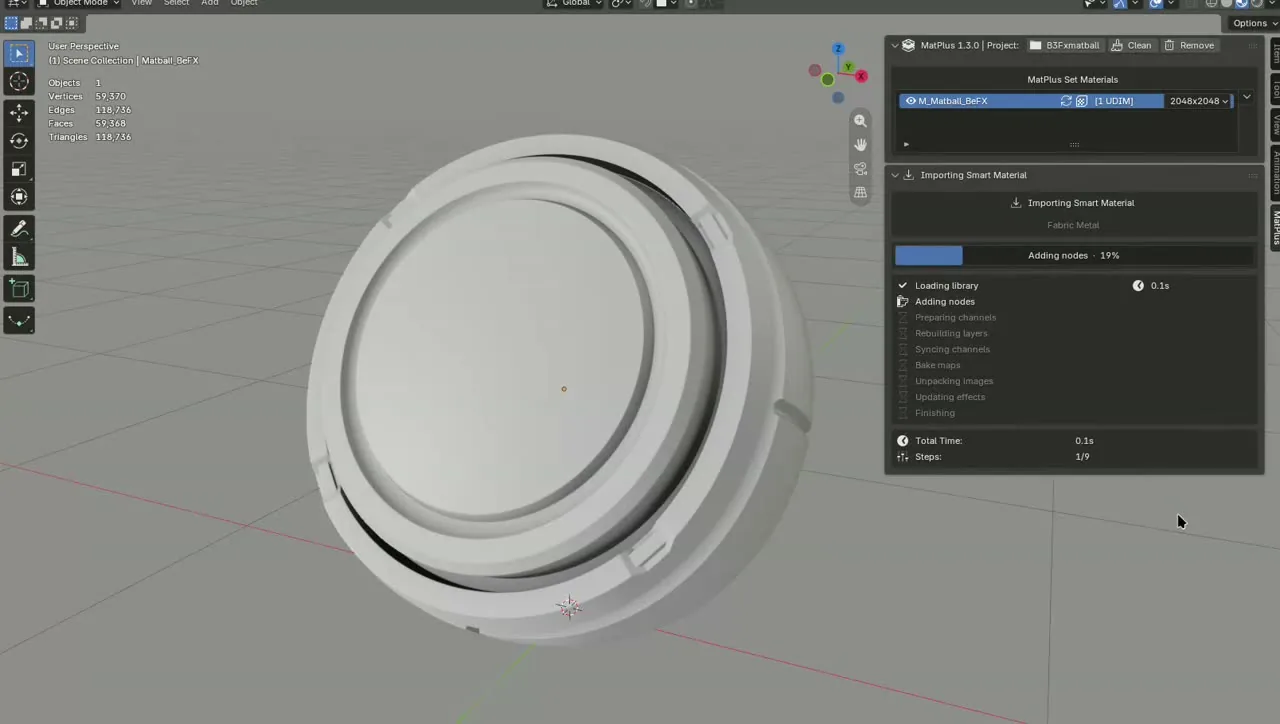
Preconfigured layer stacks that adapt themselves to the object’s geometry using curvature, occlusion and position: rust settles in the crevices and wear shows up on the exposed edges. Applying one does not hand you a flat texture but the whole layer stack, with its masks, generators and filters editable one by one. Build your own from any group and keep them in the gallery inside the layers panel.

BeFX Library

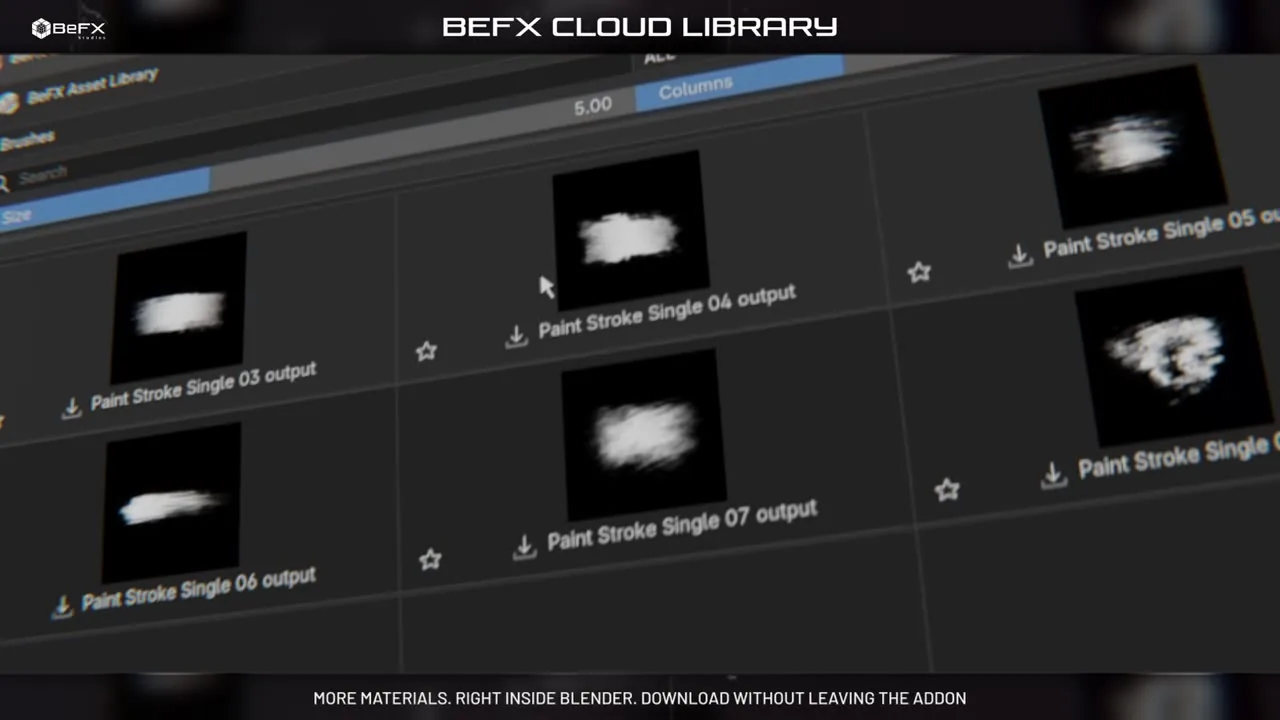
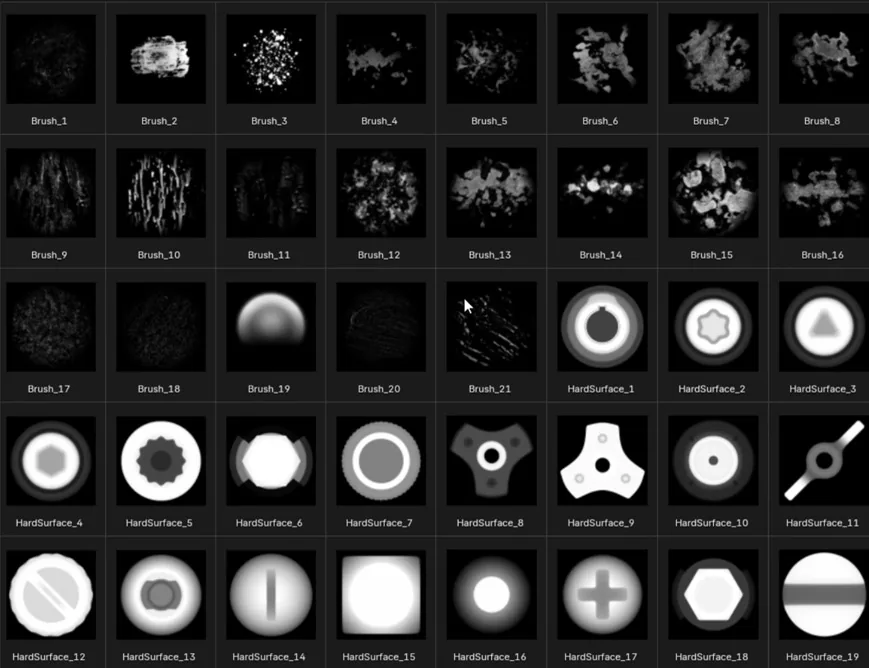
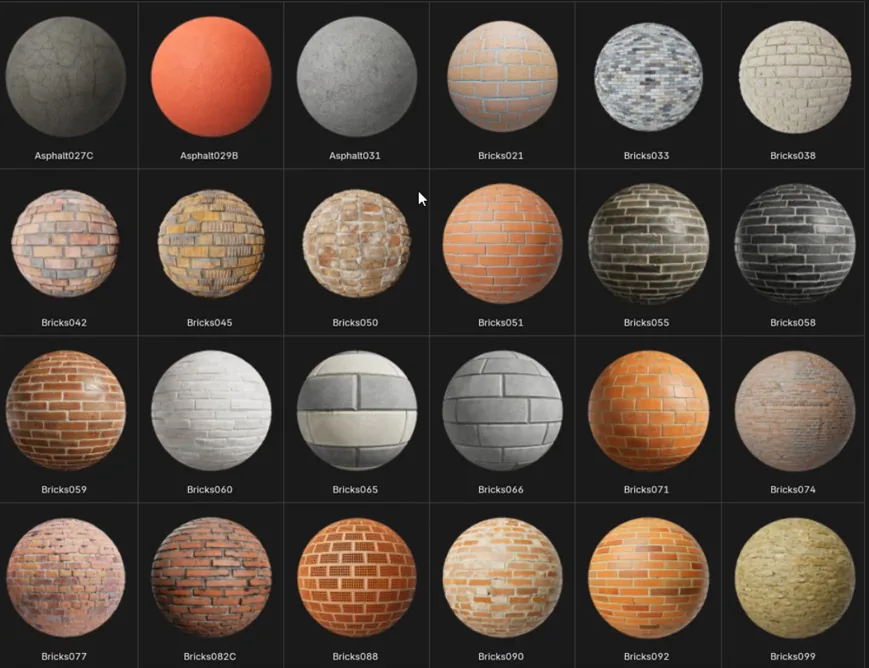
A sidebar module wired to the BeFX Cloud, where you grow your local library without leaving Blender: Smart Materials, Smart Masks, PBR textures (with AmbientCG integration), mask textures and brushes. It includes search, categories, favourites and the Only Available filter to show just what you do not have yet.

Mask Generator

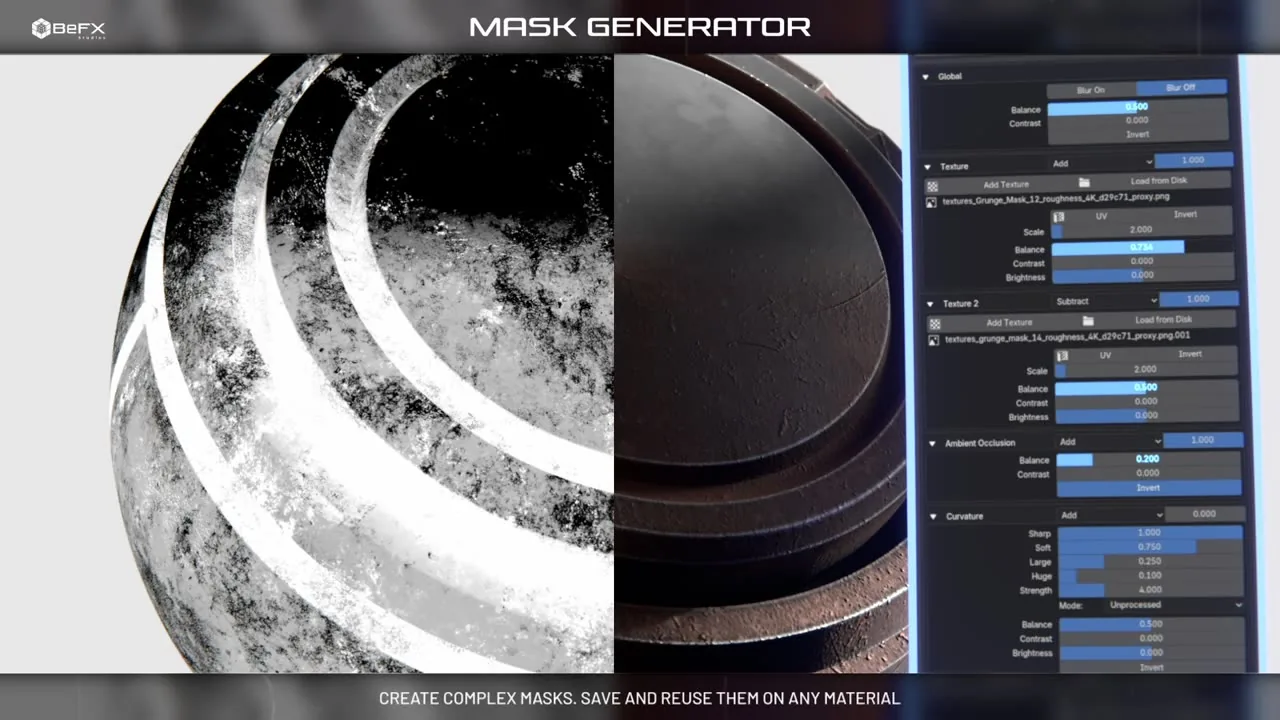
The replica of Substance Painter’s Mask Editor, and the most capable of the nine intelligent masks. It stacks seven sources into a single mask —Thickness, Position Gradient, World Space Normal, Curvature, Ambient Occlusion and two textures— each with its own blend mode, opacity, invert and levels. Blending curvature with occlusion and a grunge takes a single effect.

Smart Masks

A complete mask saved as a reusable preset: its generators, intelligent masks, filters, levels, fills and even the hand painting, with every setting exactly as you left it. They can be created from layers and from groups, so the cutout you build in one project is one click away in the next.

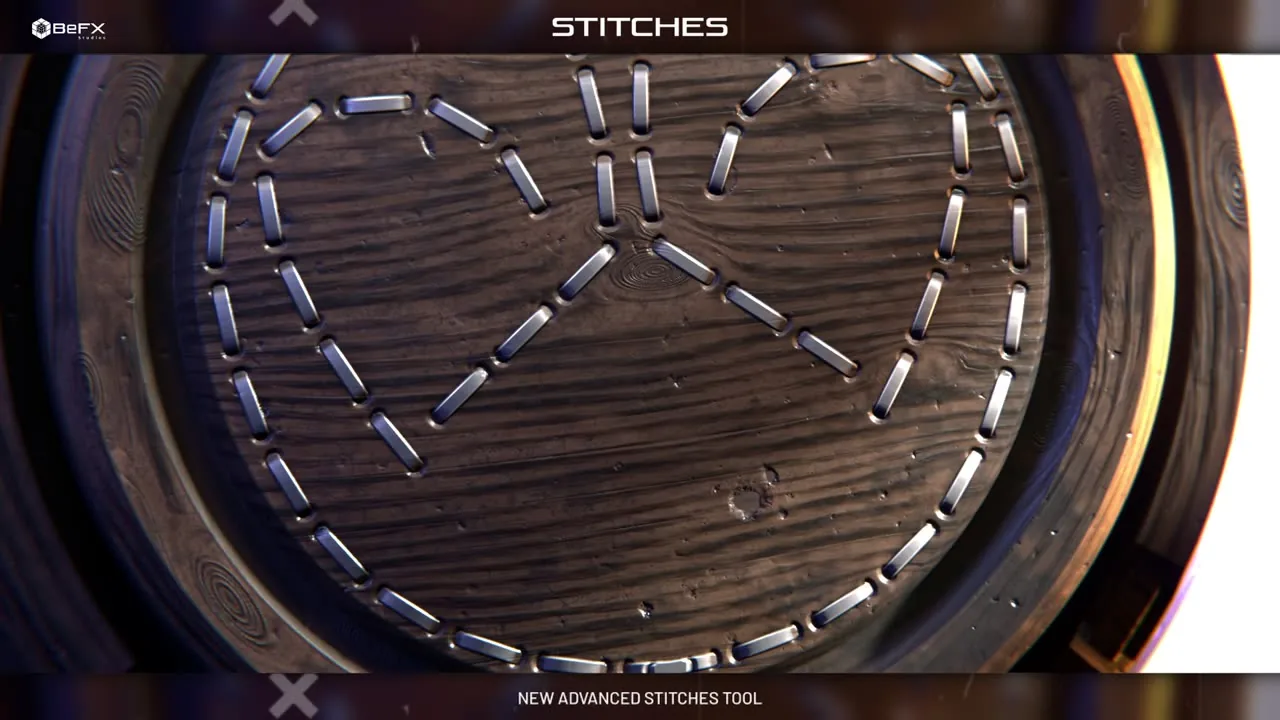
Stitches

The effect for leather, upholstery and clothing. Instead of painting stitch by stitch, you trace the seam as a re-editable curve —on the model or on the UV layout— and MatPlus lays the stitches along it. The mirror is projected onto the actual geometry of the other side, and Auto Stitch sews the whole unwrap along the model’s UV seams, producing real seams you can still edit one by one.

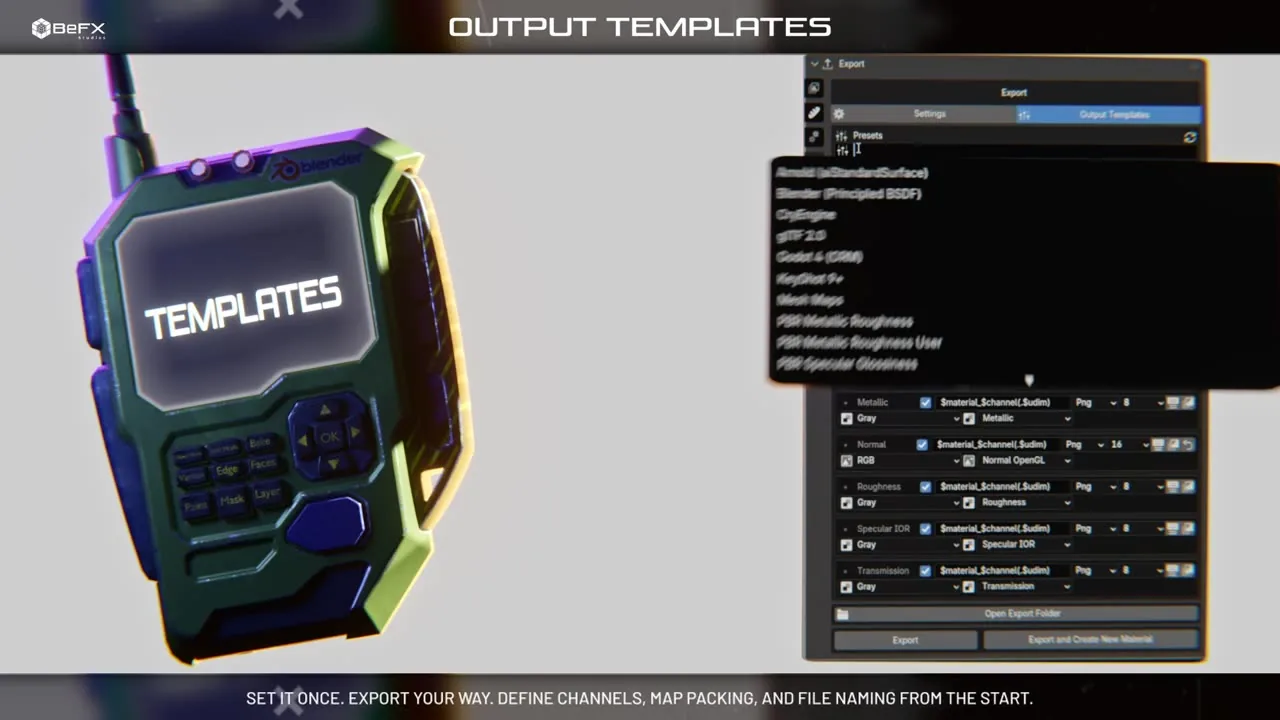
Output Templates

Complete export presets with nineteen factory formats: Unreal (Packed), Unity URP and HDRP, glTF 2.0, Godot 4 (ORM), CryEngine, X-Plane, Roblox, Arnold, Redshift, RenderMan, V-Ray and KeyShot. A template decides which textures come out, what they are called, in which format and what sits in each colour component, with five packing types and name variables. Set it once, use it across every project.

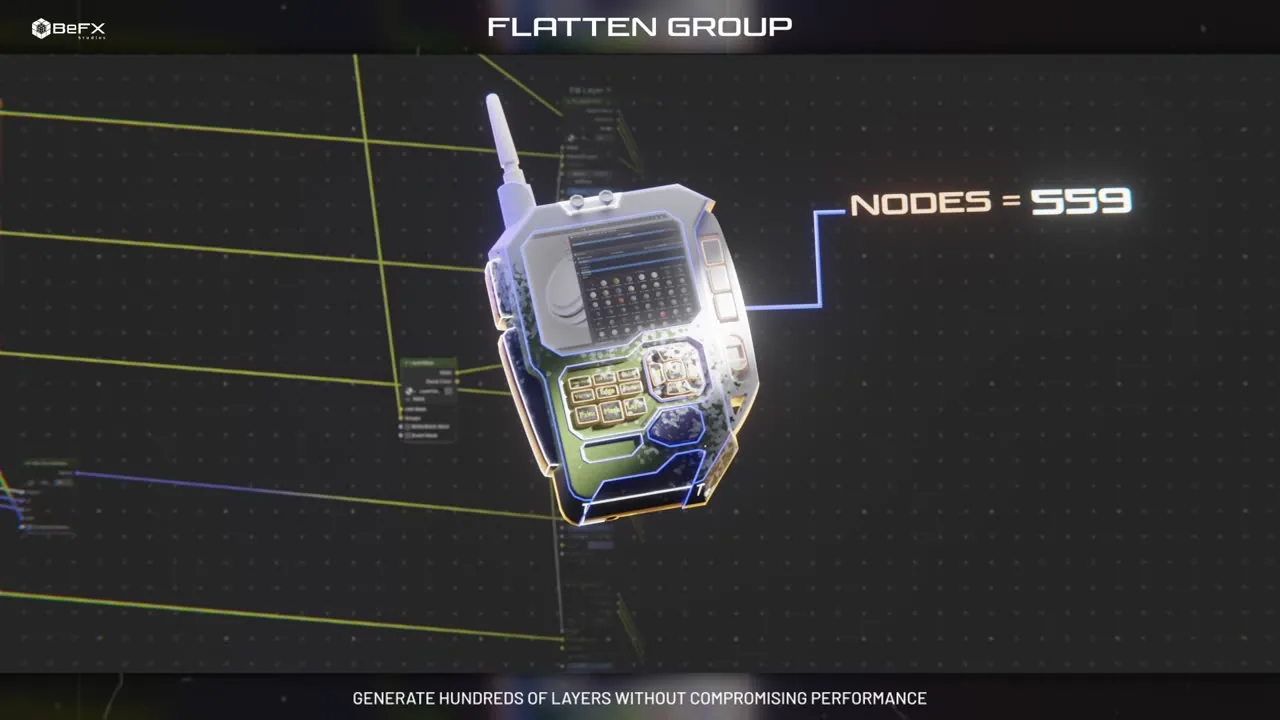
Flatten Group

Bakes every channel of a group into a single layer —from 1,521 nodes down to 7— without closing the door: you can go in and edit it, update it again or remove the flatten whenever you want. Expanding the group still shows its channels, each with its blend mode, factor and clamp. Hundreds of layers without compromising performance.

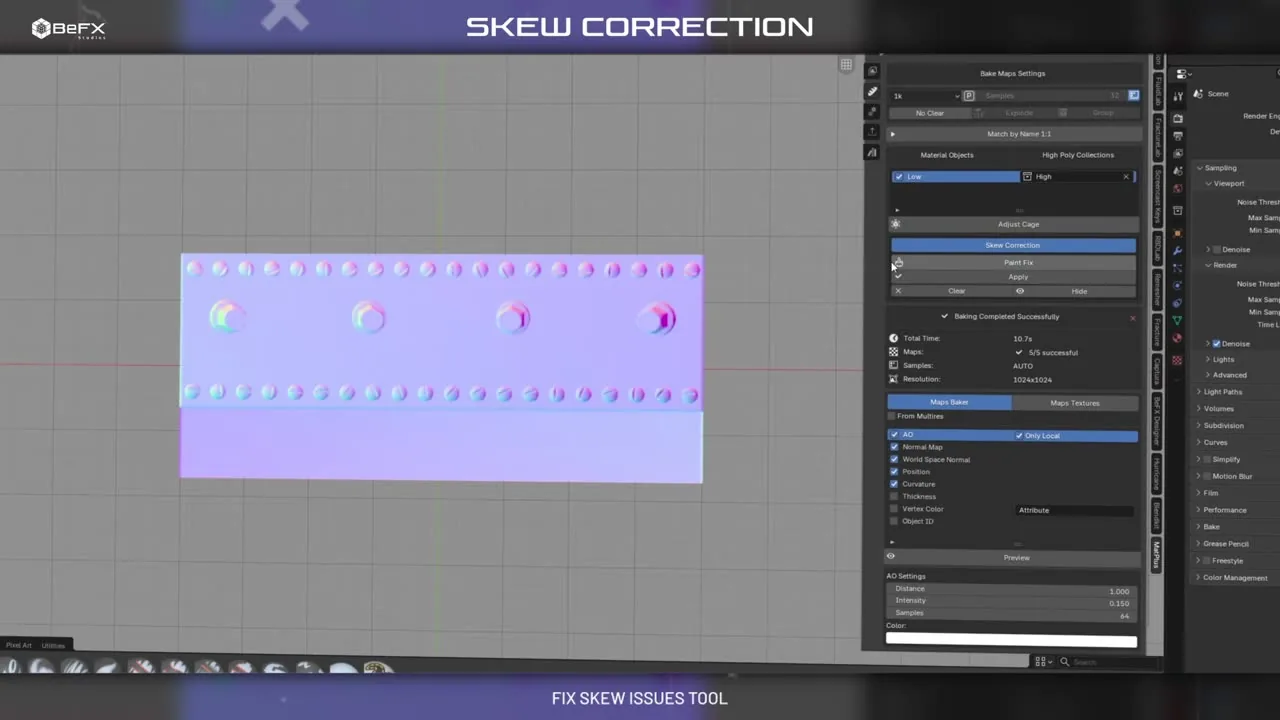
Skew Correction

The fix for the skew that shows up near corners and bevels when projecting from the high poly to the low poly. MatPlus bakes a second version of each map with the rays perpendicular to each face, and you reveal it by painting over it with Paint Fix exactly where it is needed. Apply writes the correction into the normal map while keeping the original bake aside.

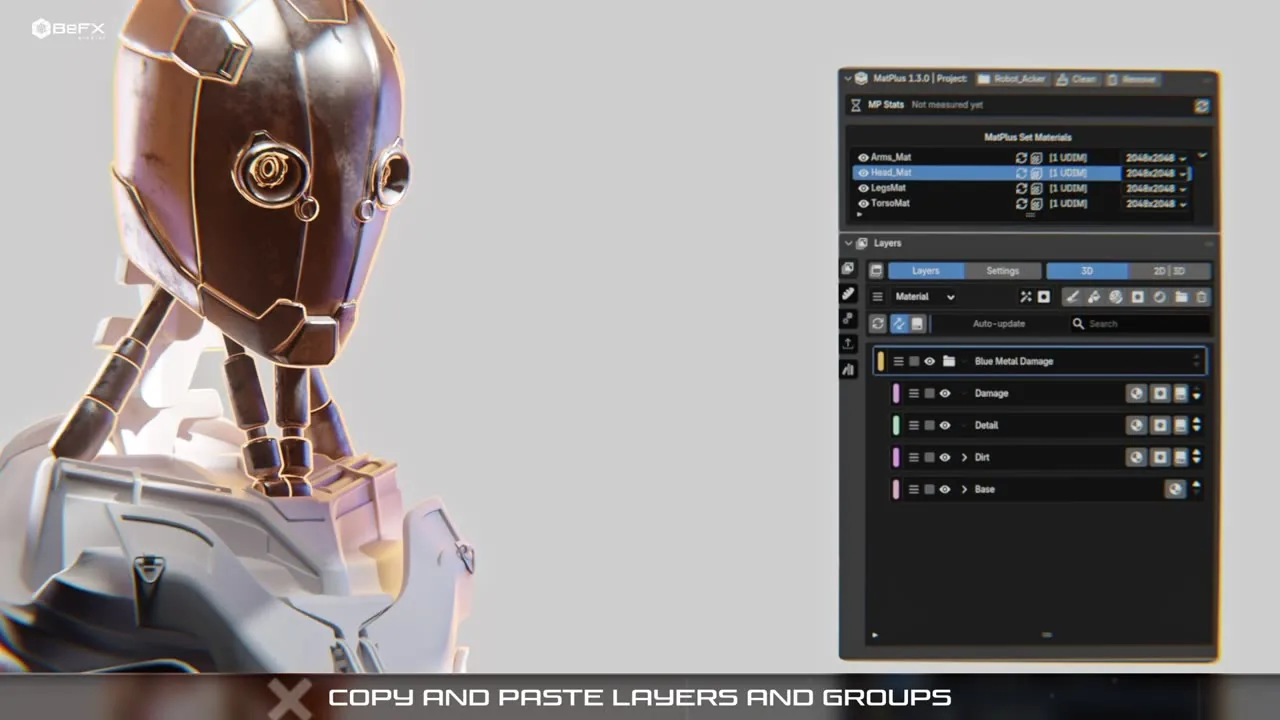
Copy and paste layers and groups

A layer clipboard: Copy Layer or Copy Group in the local action menu, and Paste in the Global Operator Menu. It works inside the same material and also across different materials in the project, with single layers and with whole groups, syncing the target material’s channels by itself.

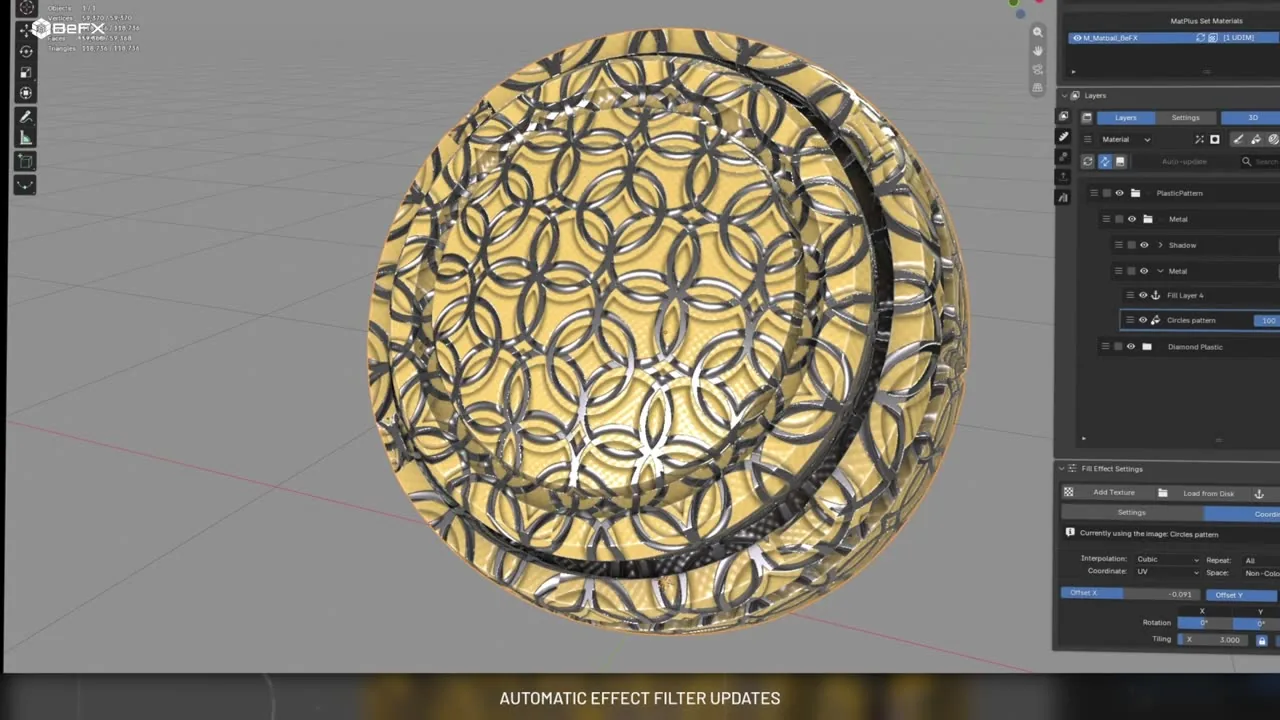
Auto-cache and cascading updates

Move a slider on a cached mask and it un-caches instantly so you see the change live, then re-bakes the moment you release the mouse. And when you change something below a baked filter, MatPlus re-bakes on its own everything that depended on it, in the right order, including the consumers of a Link in other layers and channels. What you see in the viewport is what comes out of the export.

Painting and effects

  • Fully non-destructive layers and groups
  • Photoshop-style blend modes
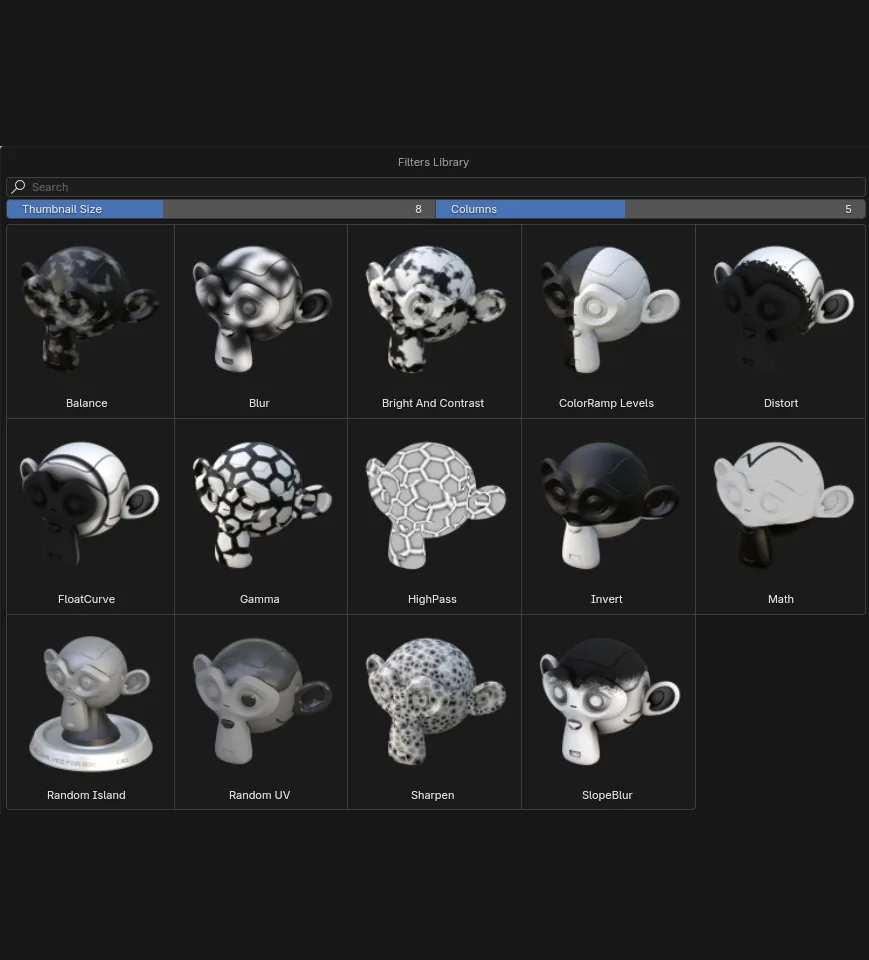
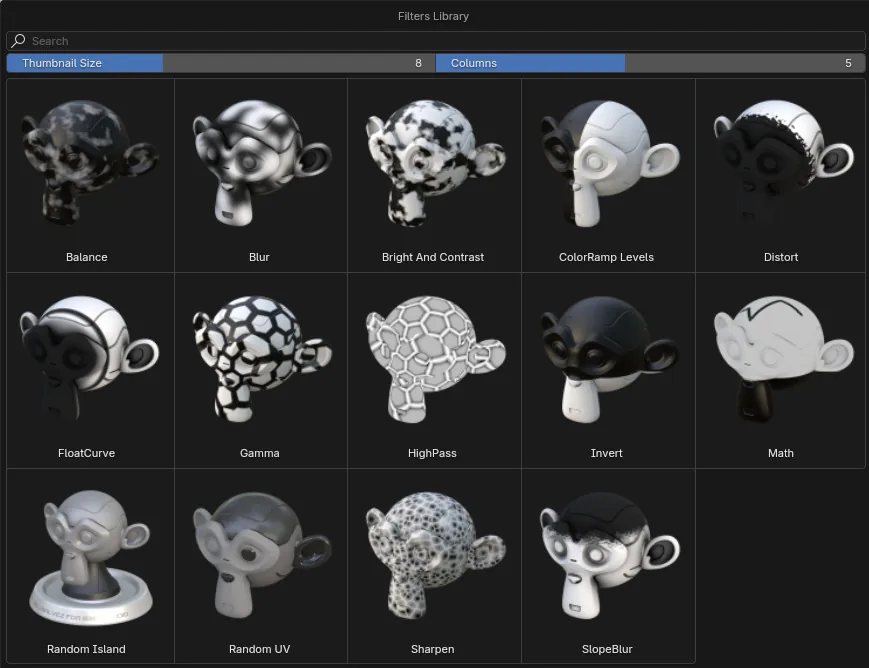
  • Real-time filters: blur, bevel, slope blur, sharpen, highpass
  • Vector masks with per-point feather
  • Decals at their original resolution
  • Text effects
  • Dripping Rust, Erode and Distort
  • Independent brush settings per layer

Masks and baking

  • Nine intelligent masks
  • Curvature measured in four scales
  • UV Border Distance, with nothing to bake
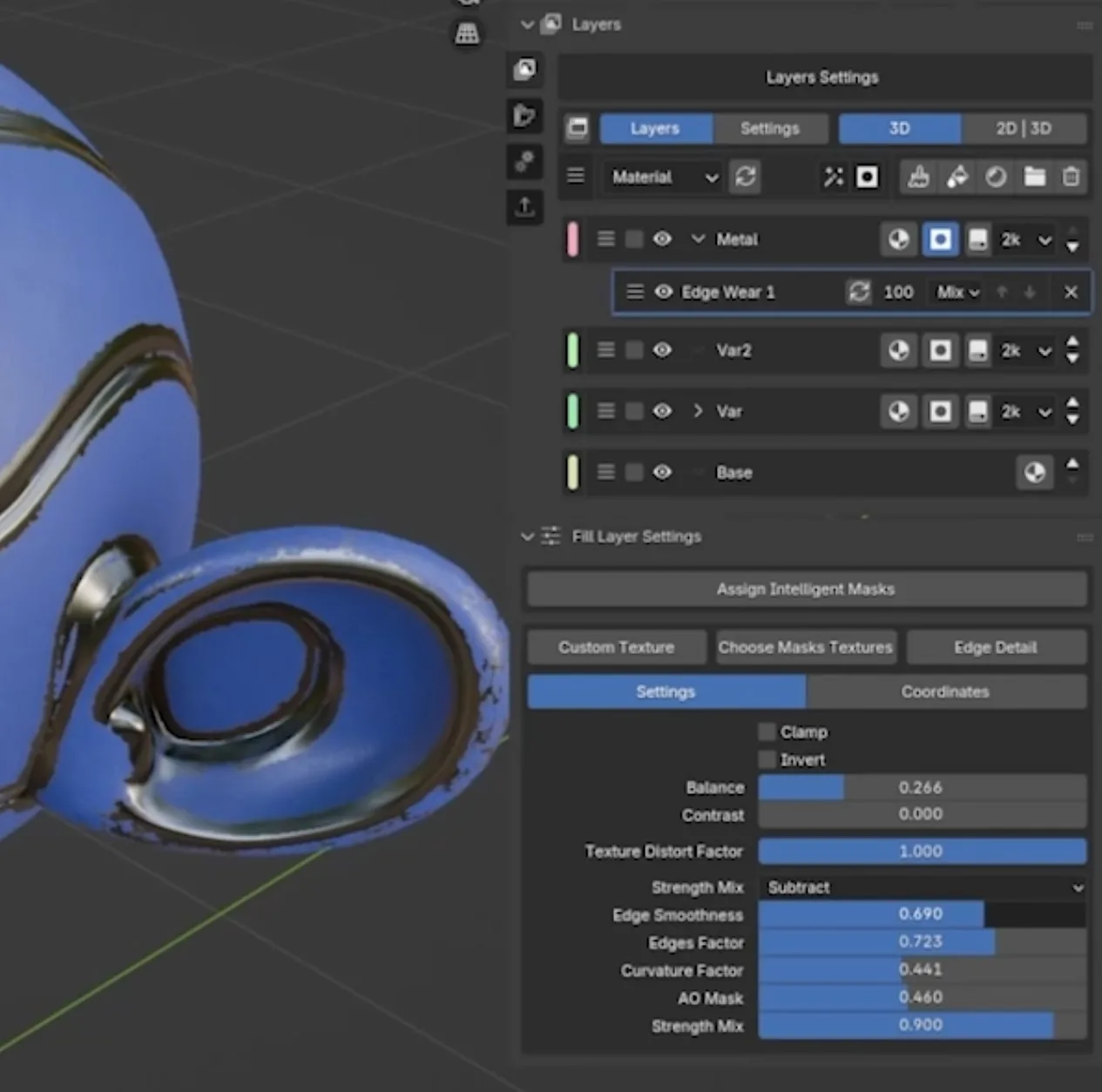
  • Edge Wear
  • Bake the whole material set in one pass
  • Baking from a Multires
  • AO as a paintable channel
  • Adaptive cages

Project and output

  • The project travels inside the .blend
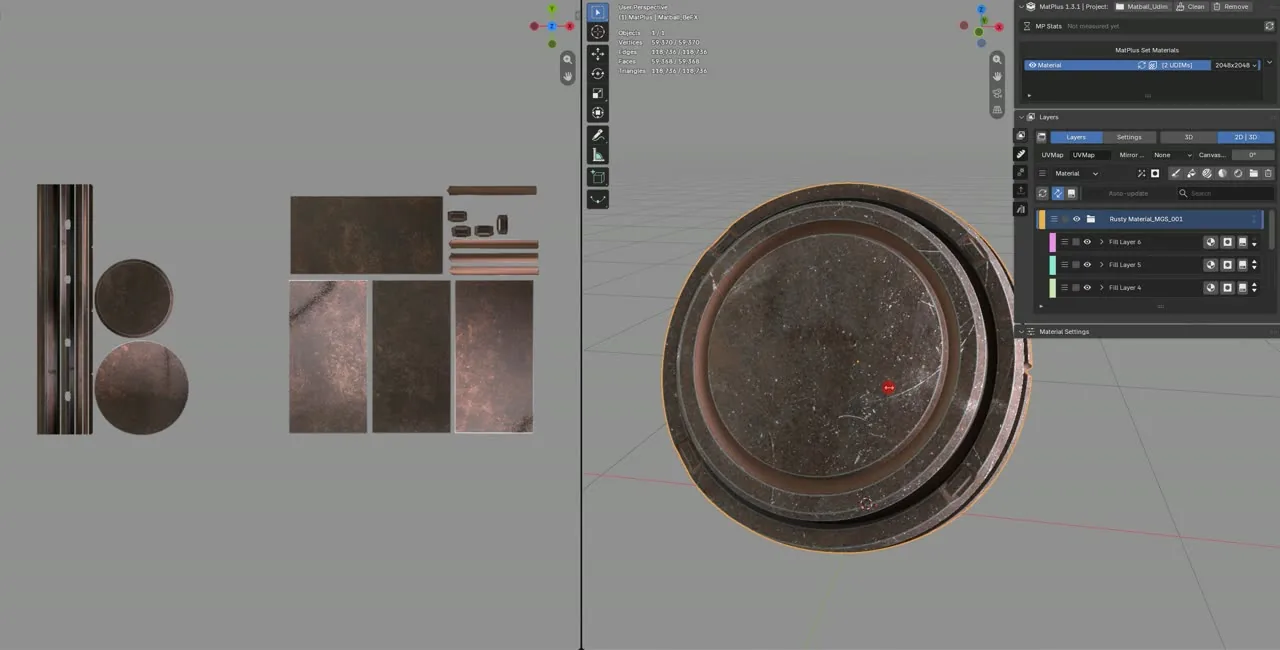
  • Multiple UDIM support
  • Fifteen user data channels
  • Per-channel work format
  • Combine Materials and Recalculate UDIMs
  • Name variables and channel packing on export
  • Display module
  • Layer search and scrollable galleries

Non-Destructive Paint Layer System

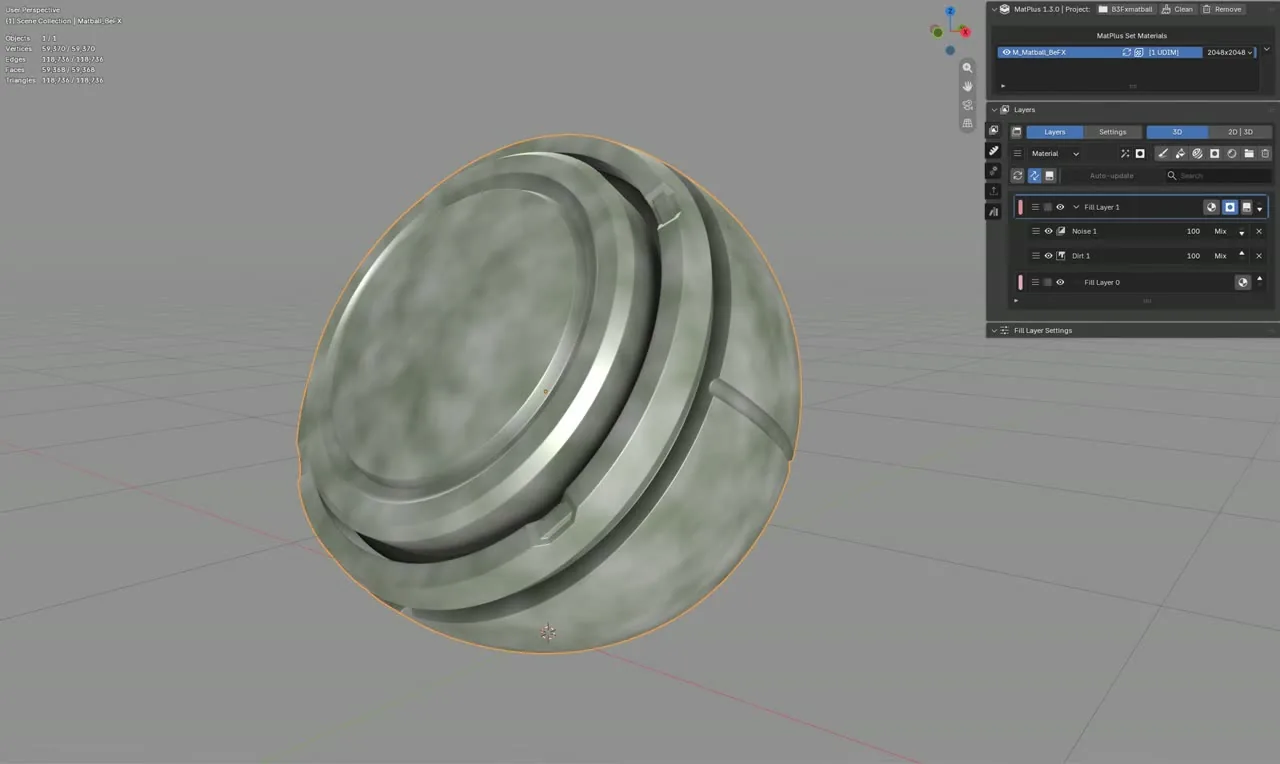
MatPlus introduces a completely non-destructive workflow, allowing you to build and edit materials through a stack of paint layers. Photoshop-style blend modes let you combine colors, textures, and effects creatively.

Real-Time Effects

Apply and tweak effects directly on your materials in real time—from essential tools like blur and levels to high-pass filters.

Per-Layer Masks

Features powerful per-layer masks giving total control over where and how each effect or texture is applied with precision.

2D Symmetry Painting

Paint directly on your material using a 2D layout showing all active layers at once, bringing fast intuitive workflows to complex assets.

Multiple UDIM Support

Full support for multiple UDIMs, allowing seamless painting across large, detailed assets.

Optimized Texture Baking

Advanced baking system generating essential maps including normals, roughness, ambient occlusion, curvature, edges, and bevel maps.

Engine-Ready Texture Export

Streamlines your export pipeline for real-time engines like Unreal Engine or Unity.