
MatPlus tutorials
Layer-based material painting inside Blender, Substance Painter style.
 13:39
13:3901Seen
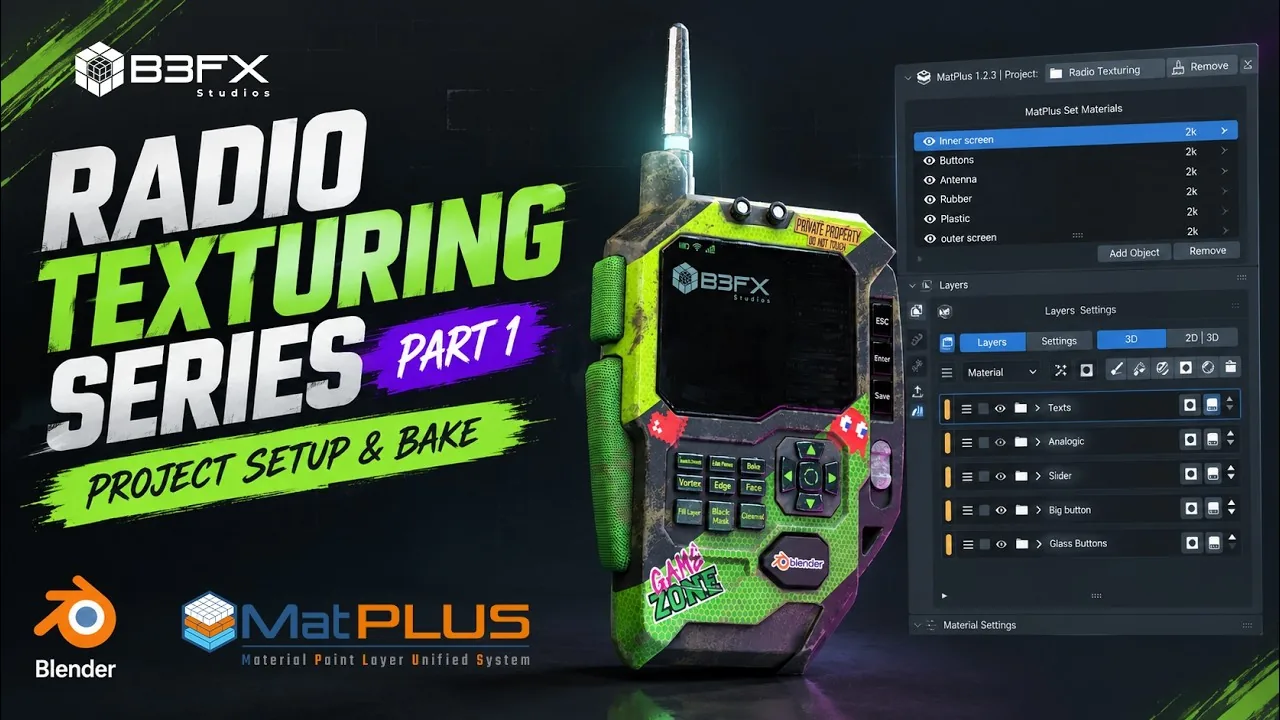
Texture a Radio in Blender, Part 1: Setup & Bake
Get a radio ready to texture in MatPlus: merge objects, one material per set, a 2K project, per-material bake resolutions, AO, curvature and thickness.
 19:36
19:3602Seen
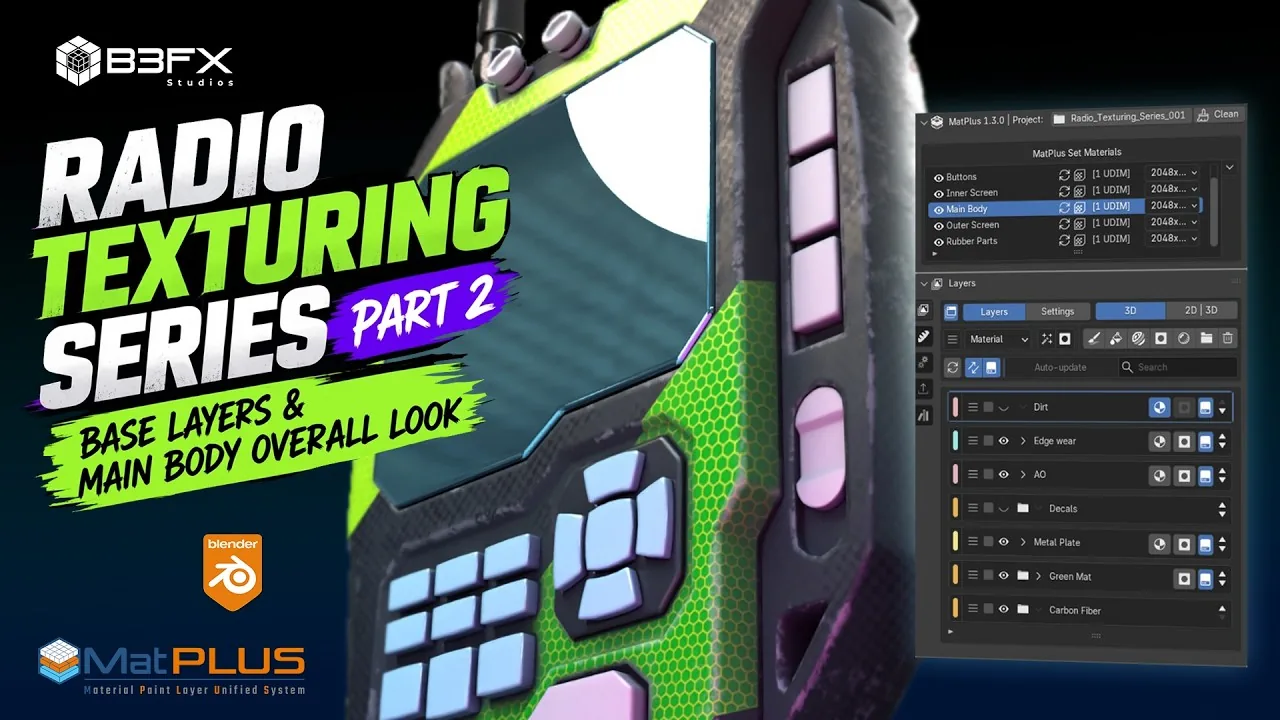
Texture a Radio in Blender, Part 2: Carbon Fiber Body
Base materials for every part, then the main body: roughness imperfections, checker carbon fiber, green gradient and hexagon layers split by a stripe mask.
 21:24
21:2403NewSeen
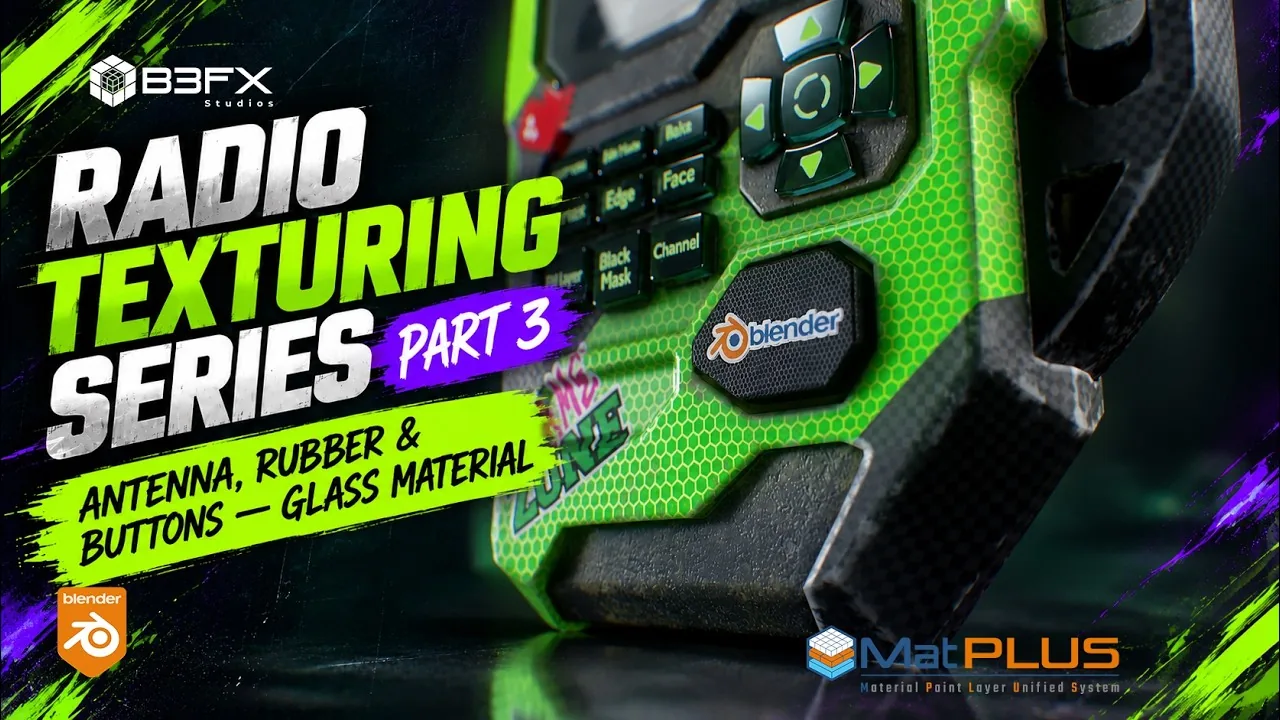
Texture a Radio in Blender, Part 3: Antenna, Rubber and Glass Buttons
Antenna roughness and curvature edges, dotted and dirty rubber in Mesh Island groups, glass buttons with a Transmission channel and a linked Blender decal.