

Draw where it breaks
FractureLab is the BeFX Studios add-on for breaking objects in Blender by drawing where they break. Instead of scattering chunks with an algorithm and hoping for the best, you draw the cracks onto the object and FractureLab turns each stroke into a plane that slices through it. You control where the piece splits, directly.
Everything is non-destructive: it lives in Geometry Nodes modifiers until you apply, so you can change the resolution, the number of chunks or the noise of the cuts with the strokes already drawn and see the result immediately. The Damage module chips and erodes the pieces, and one click exports them to RBDLab ready to simulate.
It runs on Blender 4.2 or later (tested up to 5.2), on Windows, macOS and Linux, with no external dependencies.
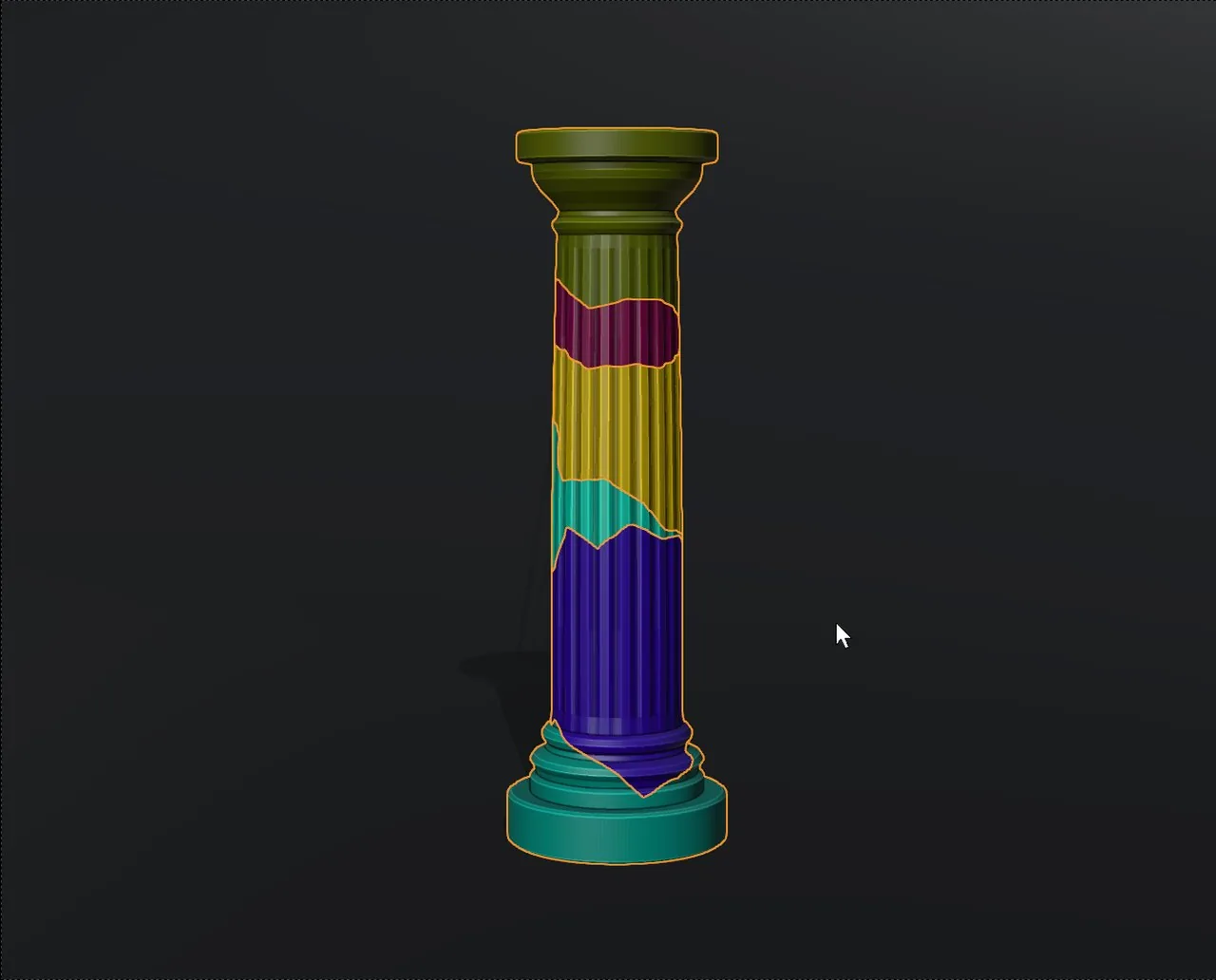
You draw where it breaks
Press Ctrl+D, trace the crack over the object and release: the stroke becomes a cutting plane that slices right through it. No scattering chunks at random and hoping for the best: you decide where the piece splits. Orbit the view between strokes to cut from other angles; every chunk gets its own colour so you can tell them apart.
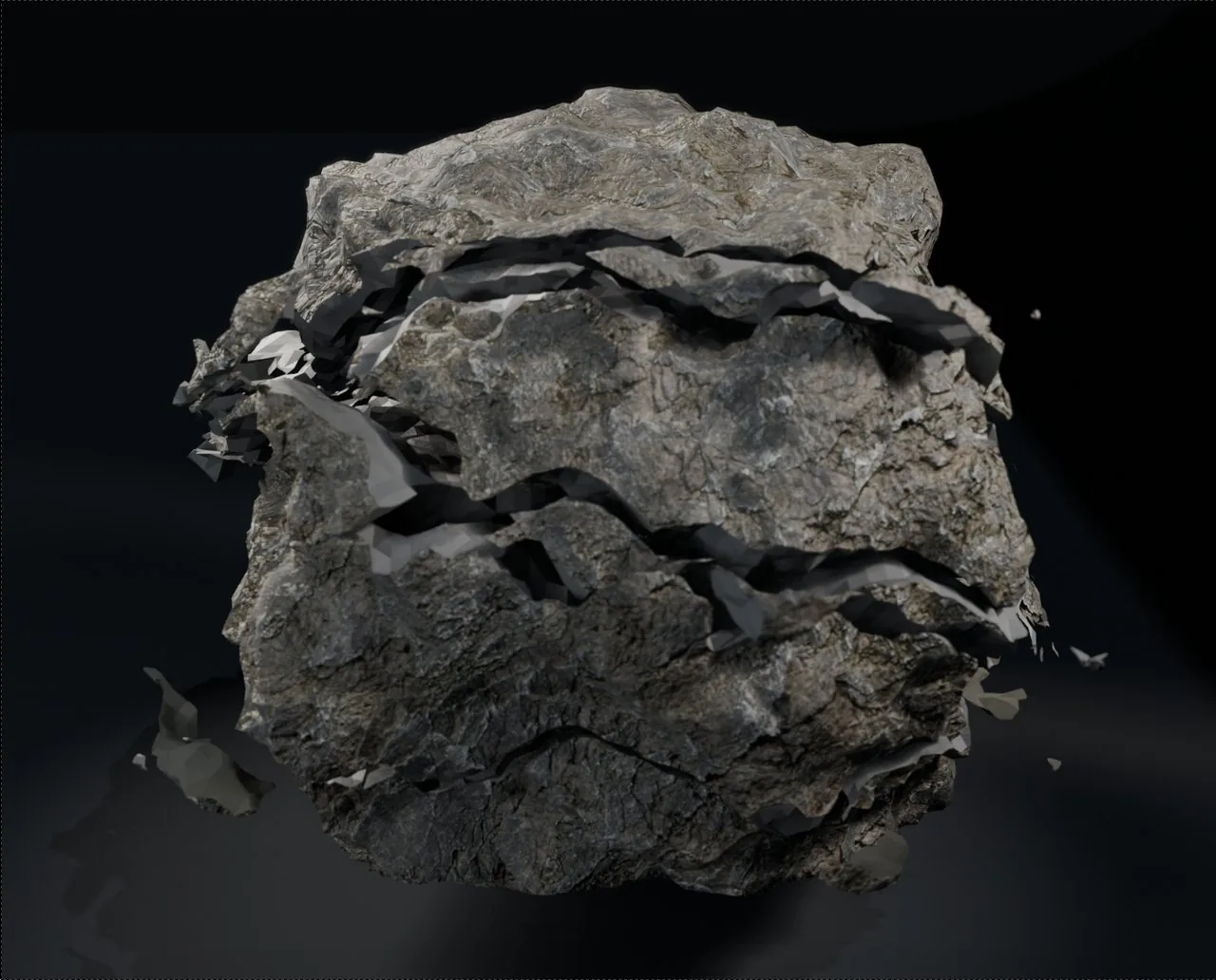
From three strokes to hundreds of chunks
Repetitions duplicates each plane with noise, and Subcutters derive new cuts from yours, with random rotation and seed. The Total Chunks counter always tells you how many pieces you would get, and Chunks Size Limit discards the tiny slivers that cause trouble later in the simulation.
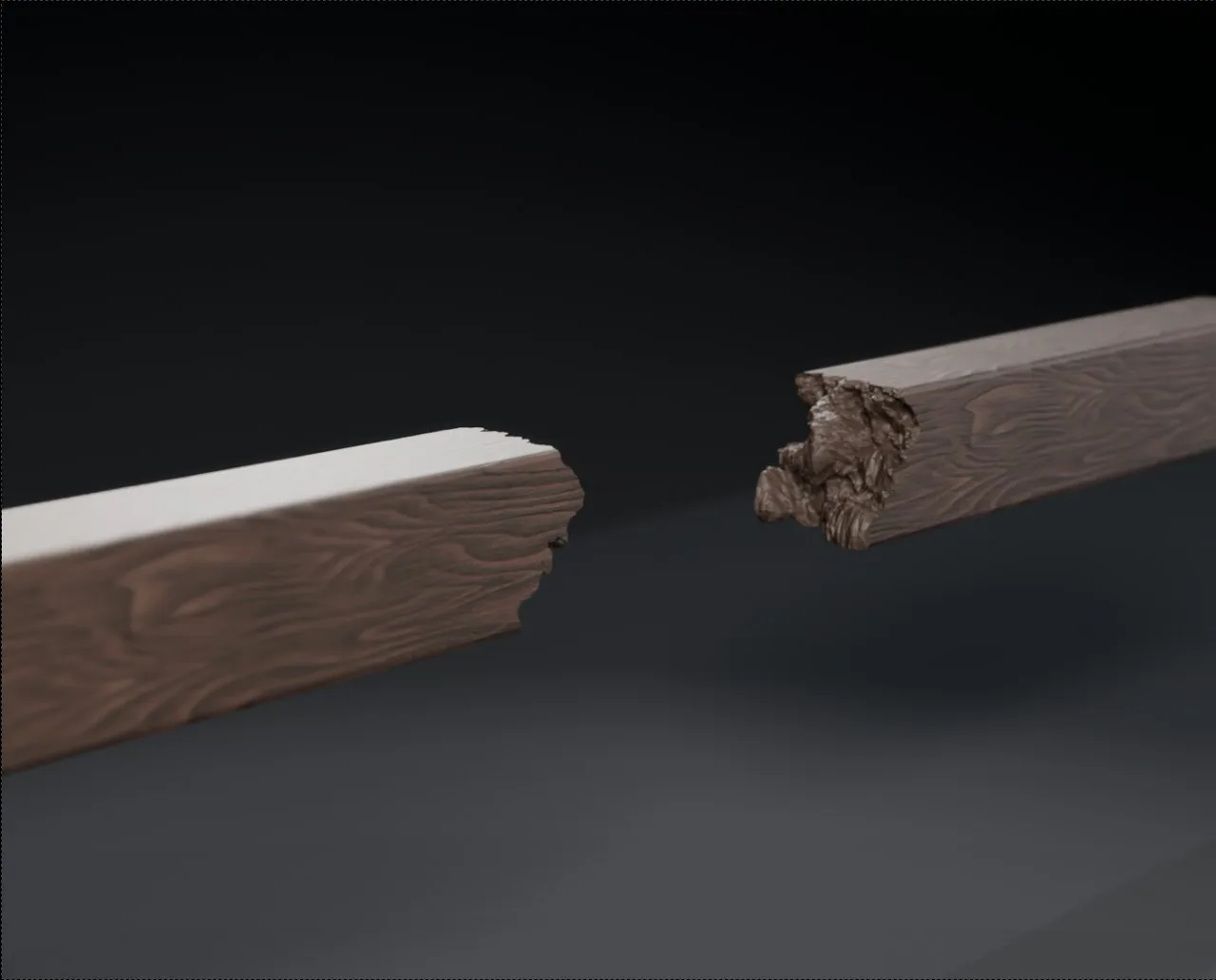
Breaks with real relief
A perfect cut does not look broken. The Noise module deforms the break surfaces so they have the irregularity of material that actually snapped. Tune the strength, the scale of the pattern —blocks of rock or fine ceramic— and the detail stacked on top, with the strokes already drawn and the result updating live.
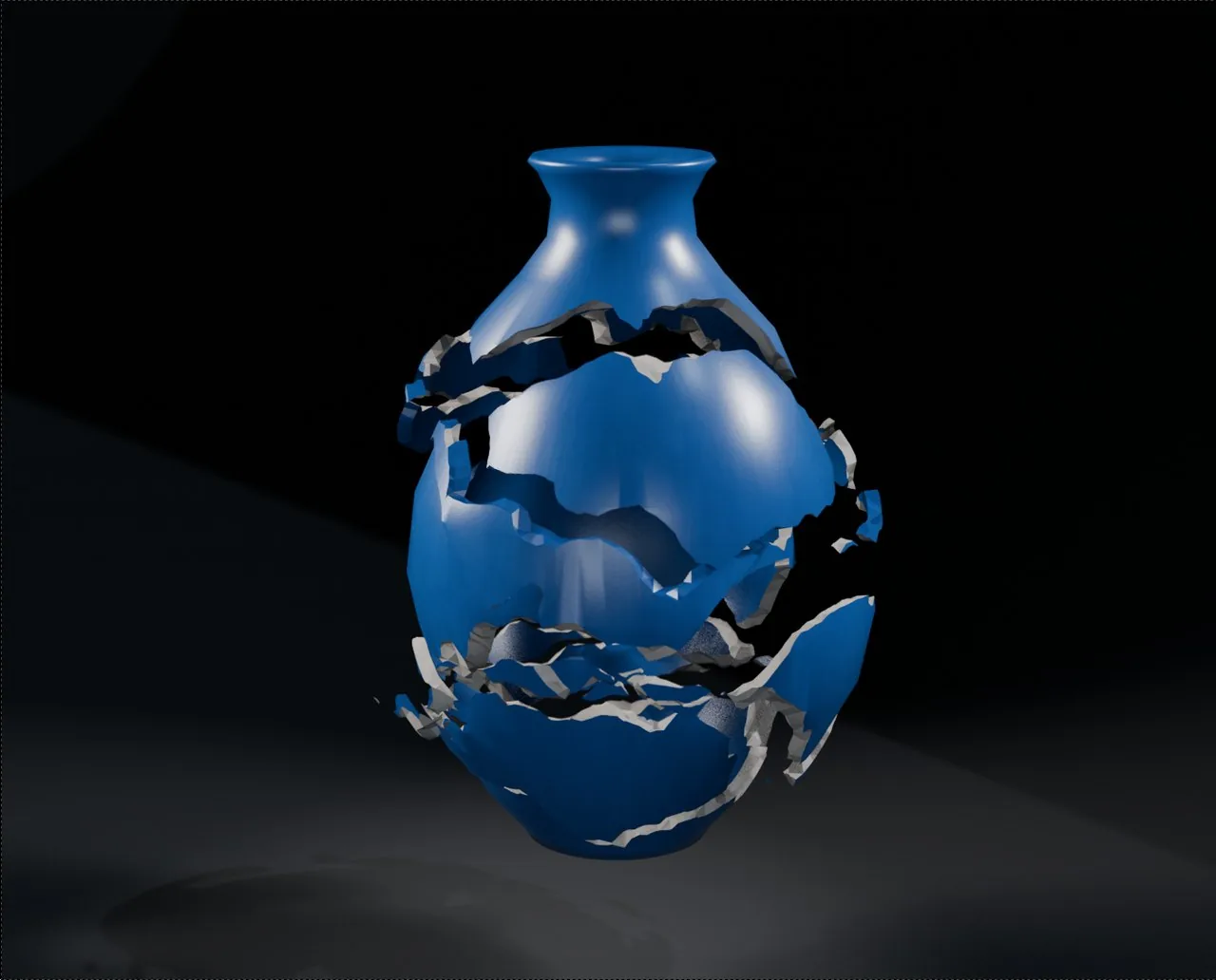
One thing outside, another inside
Break faces get their own Inner Material: an amphora can be glazed outside and terracotta inside, with the thickness of its wall on show. Change it whenever you like and only the broken faces change; the outside is left alone. When you apply, that material is tagged so RBDLab knows where the dust comes from.
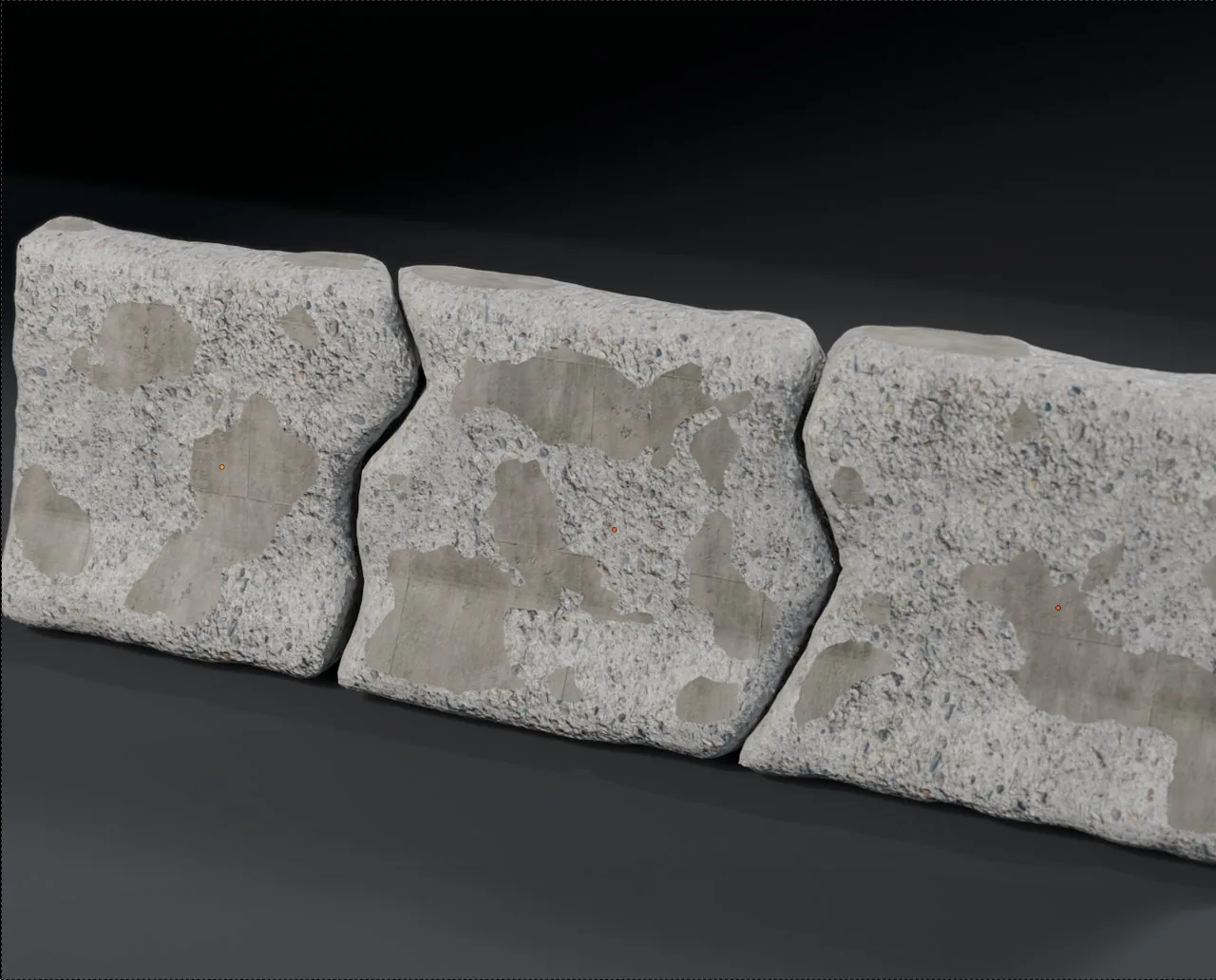
Wear with Damage
The Damage module chips edges, opens craters and rounds off borders so the piece does not look freshly cut: Damage Quantity sets how many bites and Damage Strength how deep they go. It works on several objects at once, each with its own seed, and even on objects you never fractured.
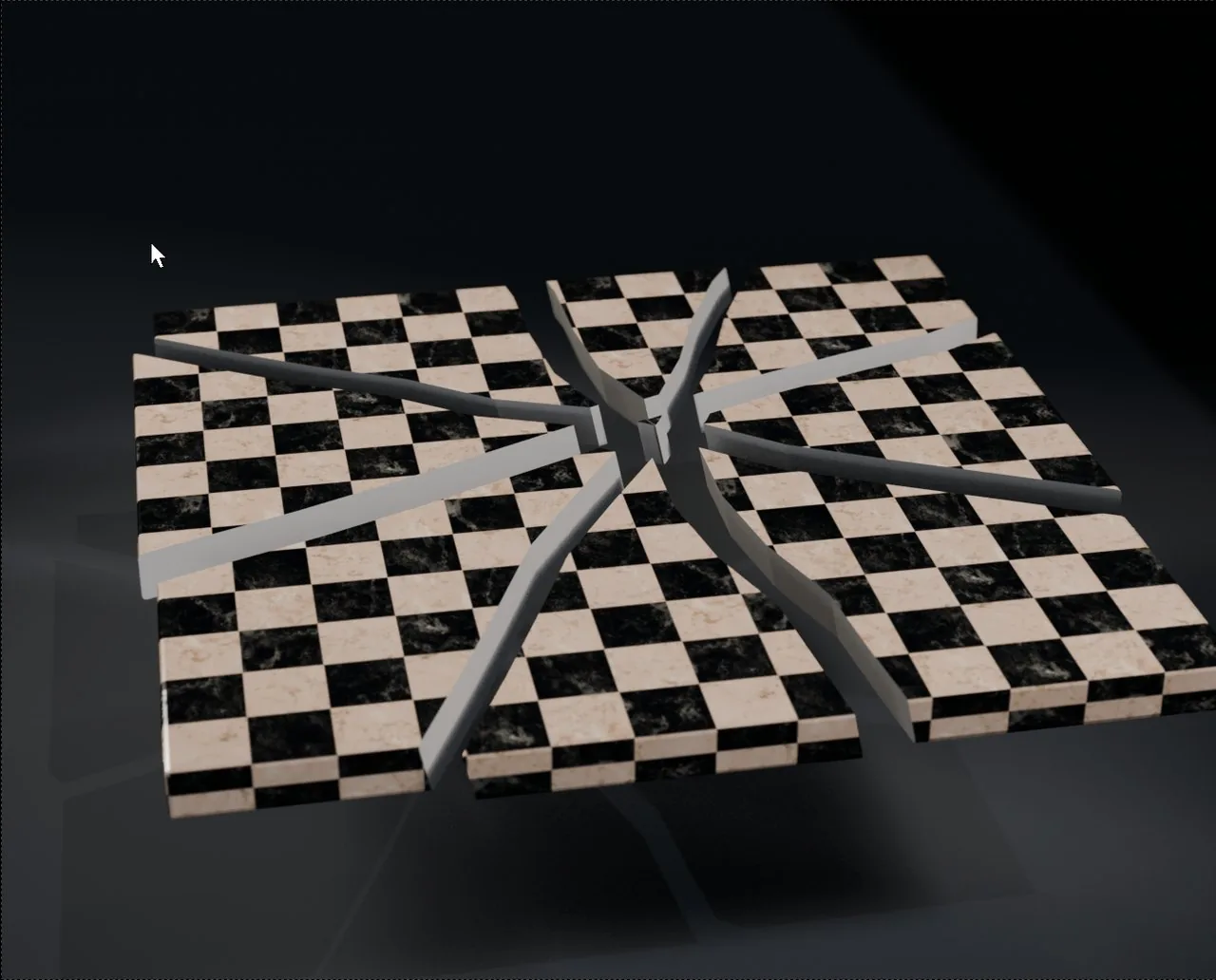
Shaped cracks or saw cuts
Every cut follows your stroke with all its zigzags, like a real crack: four strokes through the same point and the slab splits as if it took a hit. Turn on Straight Cut and the same strokes give clean, flat planes. With Explode you pull the pieces apart to see the fracture inside, without applying anything.
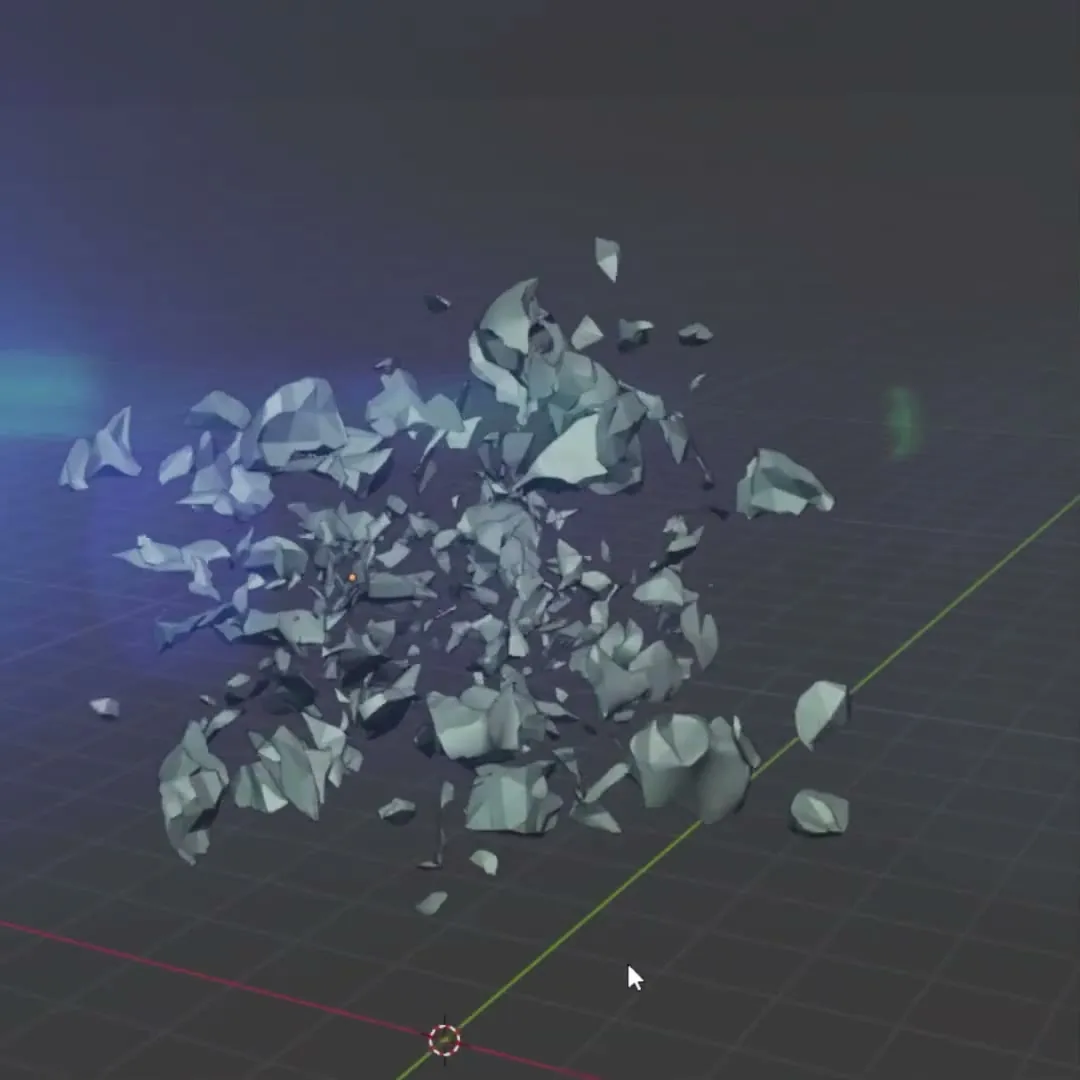
Ready to simulate in RBDLab
On apply, every chunk becomes an object with its origin at its centre of mass, and the break faces are tagged with their inner material and the Inner_faces attribute. One click on Export Fractures to RBDLab and the pieces land in RBDLab ready to simulate, with dust and debris coming only off the broken faces.
Fully under control
What makes fracturing with FractureLab fast, editable and safe, from the first stroke to the simulation.
Non-destructive workflow
- Everything lives in Geometry Nodes until you apply
- Resolution, scale and noise editable after drawing
- Cutters list: rename, hide, disable or delete each stroke
- Explode pulls the chunks apart to inspect the fracture
- Cancel Cutters gives you back the untouched original
Fracture control
- Straight Cut for clean, saw-like cuts
- Live Total Chunks counter
- Chunks Size Limit discards slivers
- Subcutters with random rotation and seed
- Damage synced across objects, with a per-piece lock
Ready to simulate
- Each piece with its origin at its centre of mass
- Dedicated inner material for the break faces
- Inner_faces attribute to emit dust from the break
- One-click export to RBDLab
- Blender 4.2 to 5.2, on Windows, macOS and Linux