
Destruction add-ons for Blender
Breaking things convincingly in Blender takes two steps: deciding where an object breaks, and simulating how the pieces fall, collide and leave debris behind. BeFX Studios makes one add-on for each step, and they work together.
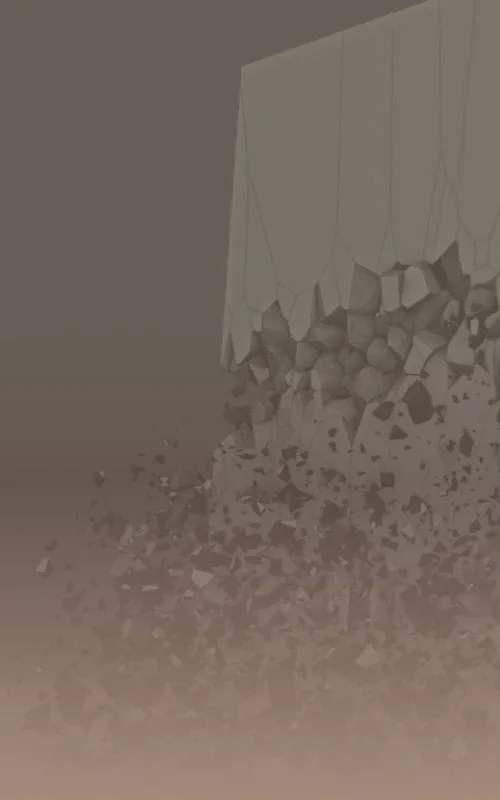
RBDLab
The complete destruction toolkit: fracture, rigid body physics with constraints and activators, debris, dust, smoke, metal deformation and progressive collapse. Exports to Alembic or USD.
Discover RBDLab →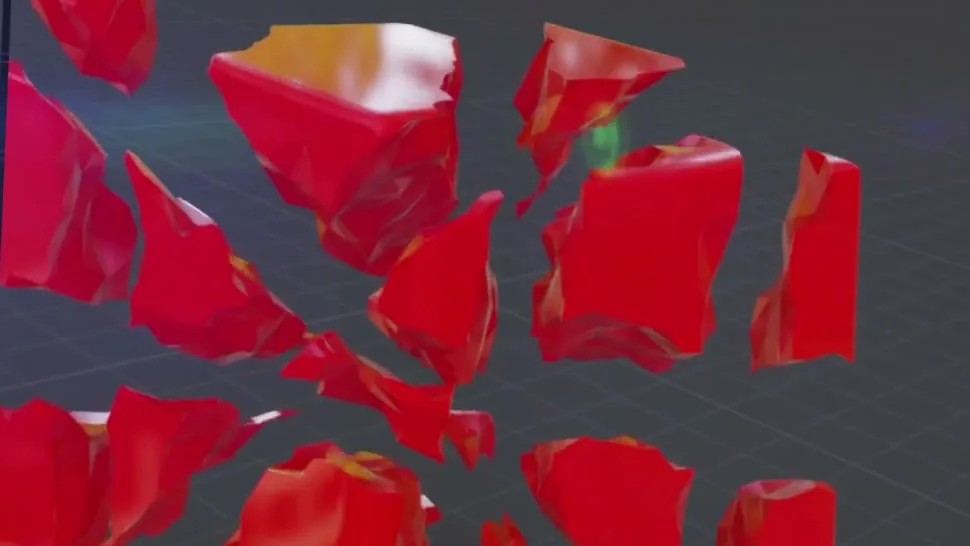
FractureLab
Hand-drawn fractures: draw the cracks on the object and it breaks exactly there, with non-destructive Geometry Nodes cuts, noise and Damage. One click sends the pieces to RBDLab.
Discover FractureLab →RBDLab or FractureLab: which one do I need?
If you need to simulate destruction (walls, buildings, columns, glass), RBDLab does the whole job on its own. If you need total control over the shape of each crack, or broken props that will never move, FractureLab is the tool. Many artists use both: draw the cuts in FractureLab and simulate in RBDLab.
Working inside Blender
Both add-ons work inside Blender, with no external solver or Python libraries to install. Smoke and debris render in Cycles and EEVEE, and the final simulation can be exported to Houdini, Maya, Unreal or Nuke through Alembic or USD.
Frequently asked questions
What is the best destruction add-on for Blender?
It depends on the job. RBDLab covers the complete destruction pipeline (fracture, physics, debris, dust and smoke). FractureLab is for hand-drawn, art-directed fractures. They work together.
Can I fracture and simulate without leaving Blender?
Yes. Both run entirely inside Blender and use its rigid body system.