Mesh maps and PBR textures, baked with Cycles without leaving Blender. Organise the work in Bake Sets, project from high to low, and get every map on disk in one click — without touching your materials.
Mesh maps and PBR textures, baked with Cycles without leaving Blender. Organise the work in Bake Sets, project from high to low, and get every map on disk in one click — without touching your materials.
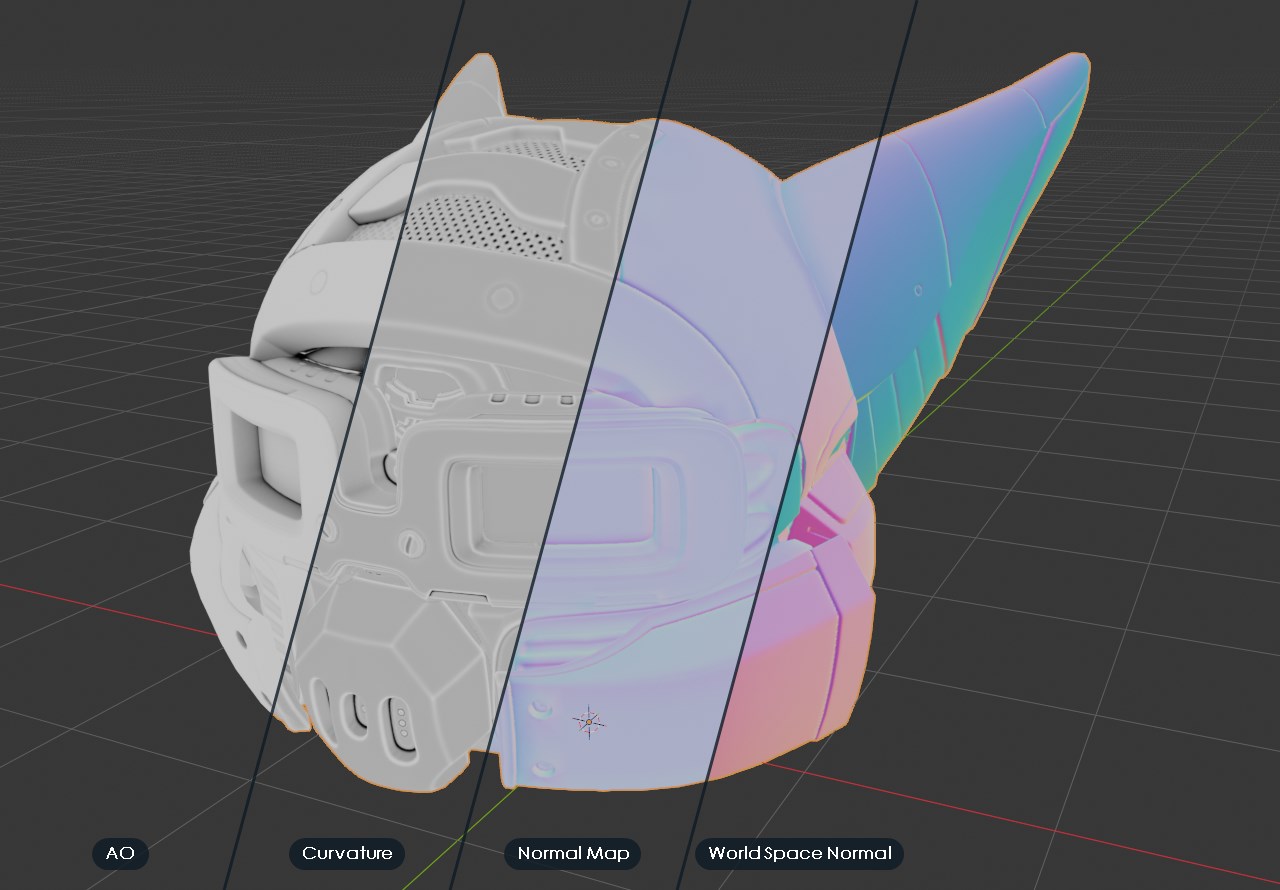
BeFX Pro Baker extracts the geometric information of your models — occlusion, normals, position, thickness, curvature, per-piece IDs — and writes it into textures ready for Blender, for your texturing software or for a game engine. All with Cycles, and without exporting anything to another program.
Turn a procedural material into textures any engine understands, or bake the materials of one object onto the UVs of another — and get a ready-made <set>_PBR material back.
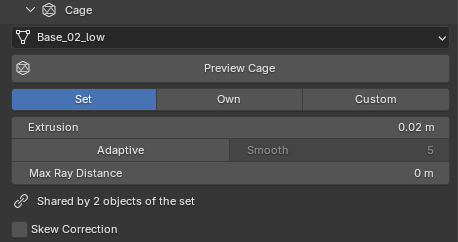
No project, no special folder. Select the objects that share a texture, press +, and you have a set. Give each low poly its high, check the sets you want and press Bake.
Piece_low with its Piece_high in one click, even with dozens of pieces.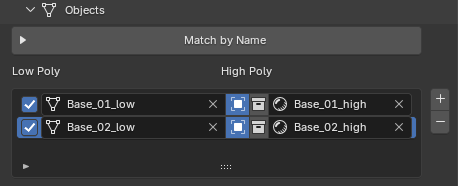
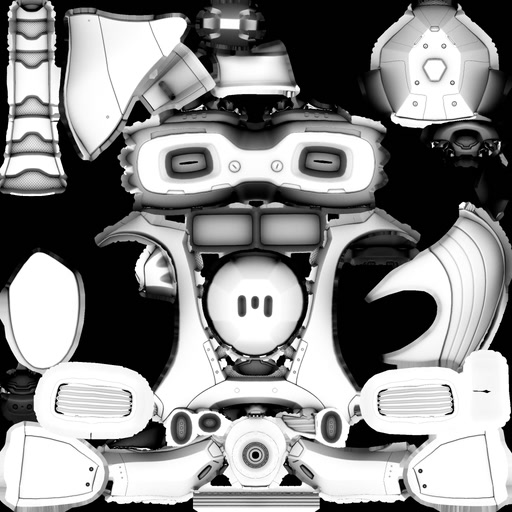
The base of every wear, dirt and dust effect, baked in the order you check them and written straight to disk.
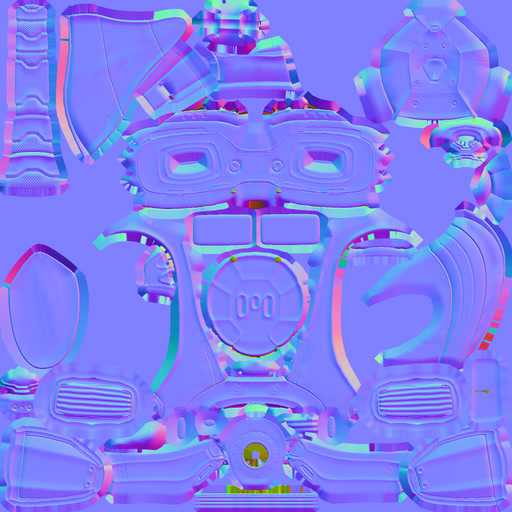
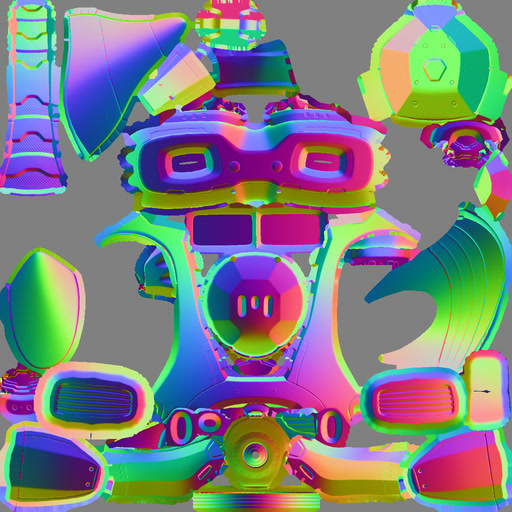
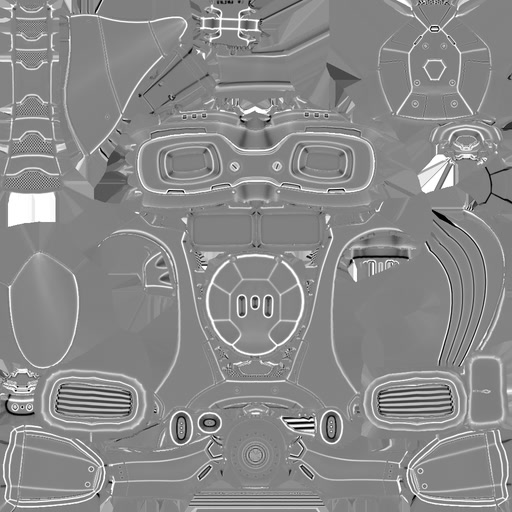
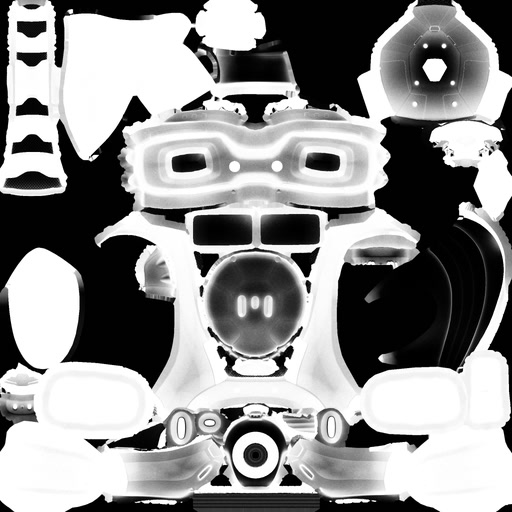
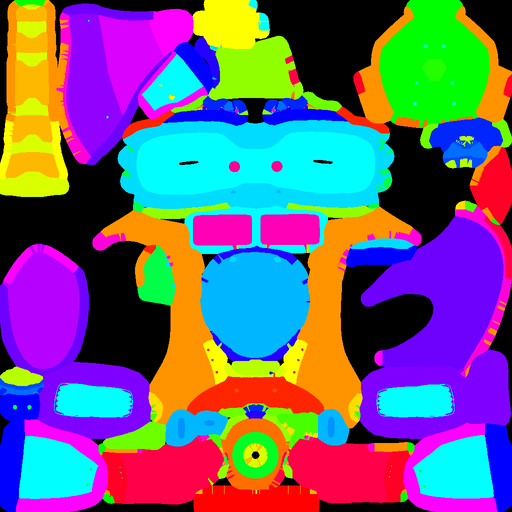
Plus Position, Vertex Color, Lightmap, Material ID (with a .json colour legend) and three maps straight from a Multiresolution modifier: Normals, Displacement and Vector Displacement. Curvature is computed from the baked normals, with four extra scales packed into a second map if you want them.
A rivet that leans near an edge, lettering that stretches around a curve: Pro Baker bakes a second version of each projected map with perpendicular rays, and you paint it in exactly where it's needed.
That's what makes it so powerful: the correction is painted. You paint on the model, in the viewport, right where the detail gets skewed, and you see the fix as you paint while the rest of the map stays as it was. No rebaking, no tweaking the cage piece by piece, no fixing the normal map by hand in another program: a skewed rivet straightens out with a couple of brush strokes.
It's a solution never seen before in a baking add-on for Blender. Until very recently, painting the skew correction could only be done in Marmoset Toolbag. Pro Baker brings it to Blender, inside the same workflow, for every map projected from the high to the low.
Apply always composes from the two original versions, so you can repaint and apply again without the correction stacking up. The mask survives between sessions, and it's reapplied on its own when you bake the set again.
No separate export step: each set writes its maps as soon as it finishes, with the names, format and convention your pipeline expects.
{set}_{map}, {mesh}, {res} and {udim}.Esc cancels at any moment, and if Blender crashes mid-bake the file cleans itself up on reopening.Want to paint and texture inside Blender too? BeFX Studios also makes MatPlus, a complete professional texturing suite.