 MATPLUS
Version 1.3
MATPLUS
Version 1.3
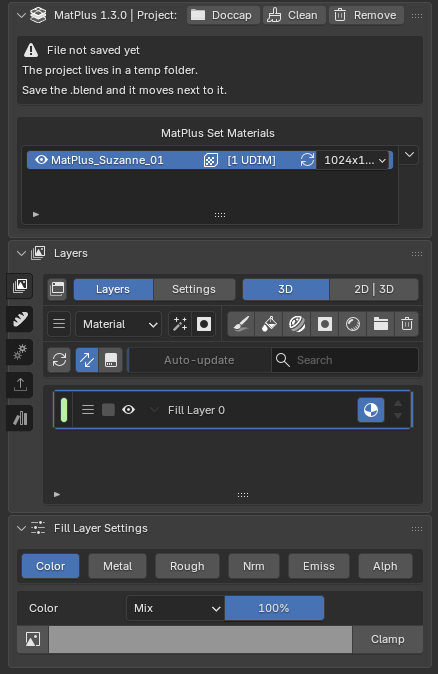
Professional layer-based texture painting, natively inside Blender. The Substance Painter workflow, running on your own material, in your own scene.
MATPLUS
Version 1.3
Professional layer-based texture painting, natively inside Blender. The Substance Painter workflow, running on your own material, in your own scene.
MatPlus turns Blender's material editor into a complete, layer-based texture painting suite — the workflow you know from Substance 3D Painter, but running on your own Blender material, in your own scene.
No intermediate exports, no FBX or OBJ round trips, and no mismatch between what you see while painting and what you get when you render: you paint on your Blender material, with Blender's engine, and the result is already in your scene. Everything is organised in a non-destructive layer stack built on a node tree that MatPlus creates and maintains for you.
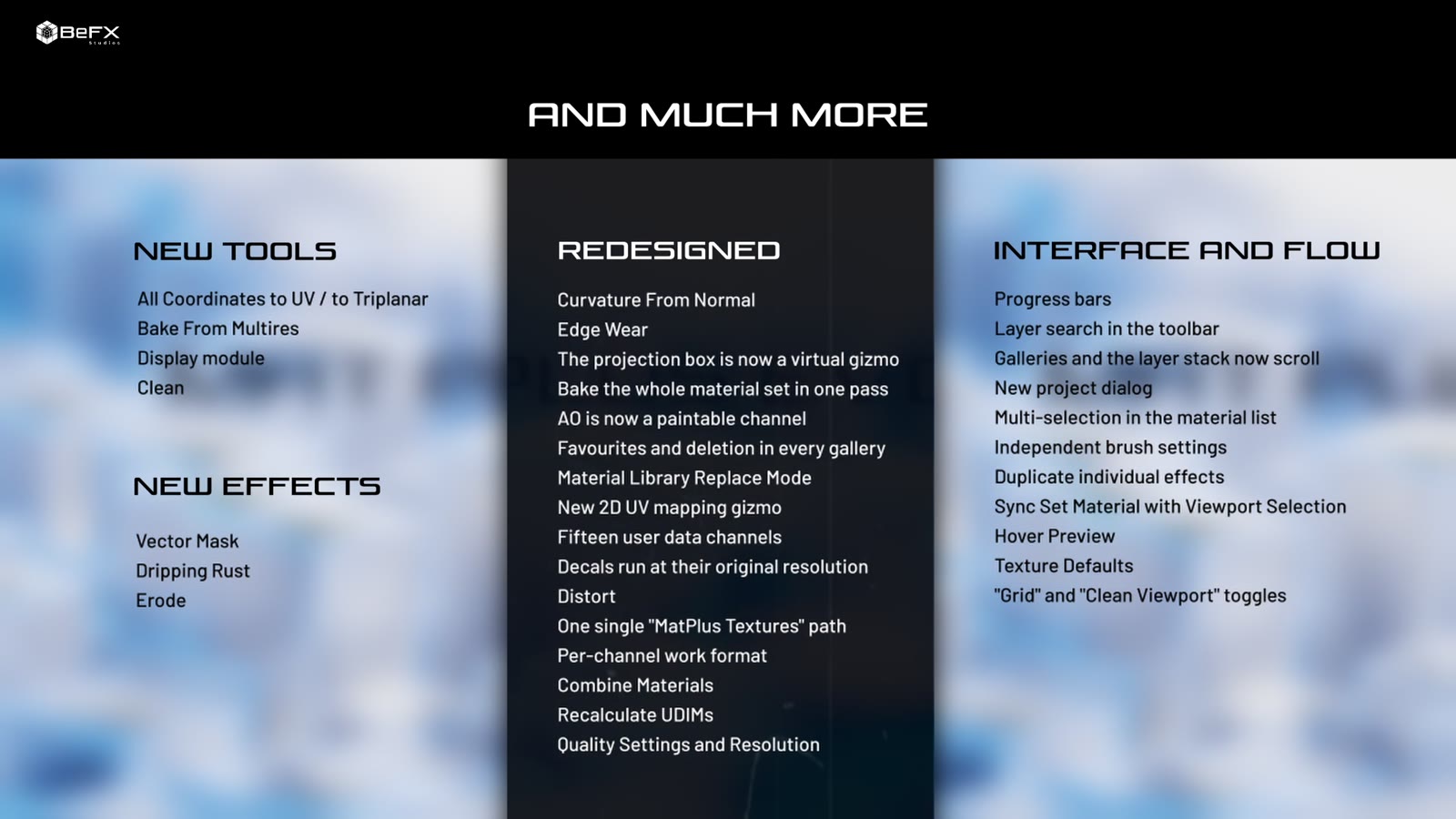
Six fronts: taking friction out of your working day, giving you more to start from, new tools for detailing, letting the project travel with you, closing the work properly and widening your control over presentation.
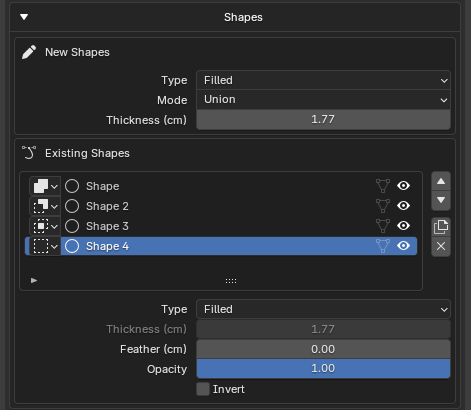
Instead of painting the edge, you trace it with bezier curves, and you can move it again whenever you want. Shapes are drawn on the model in the 3D viewport or on the UV layout in the split view, they stack, and they combine with boolean operations — Union, Subtract, Intersect and Replace. Each one can be a fill, a stroke with a thickness or a ring.
What sets it apart from a painted mask is the per-point feather: every point on the curve carries its own softening handle, which is not a blur on top but a second curve, as in Nuke. The same contour can have a hard edge in one corner and fade softly on the opposite side, keeping its shape instead of rounding it off.
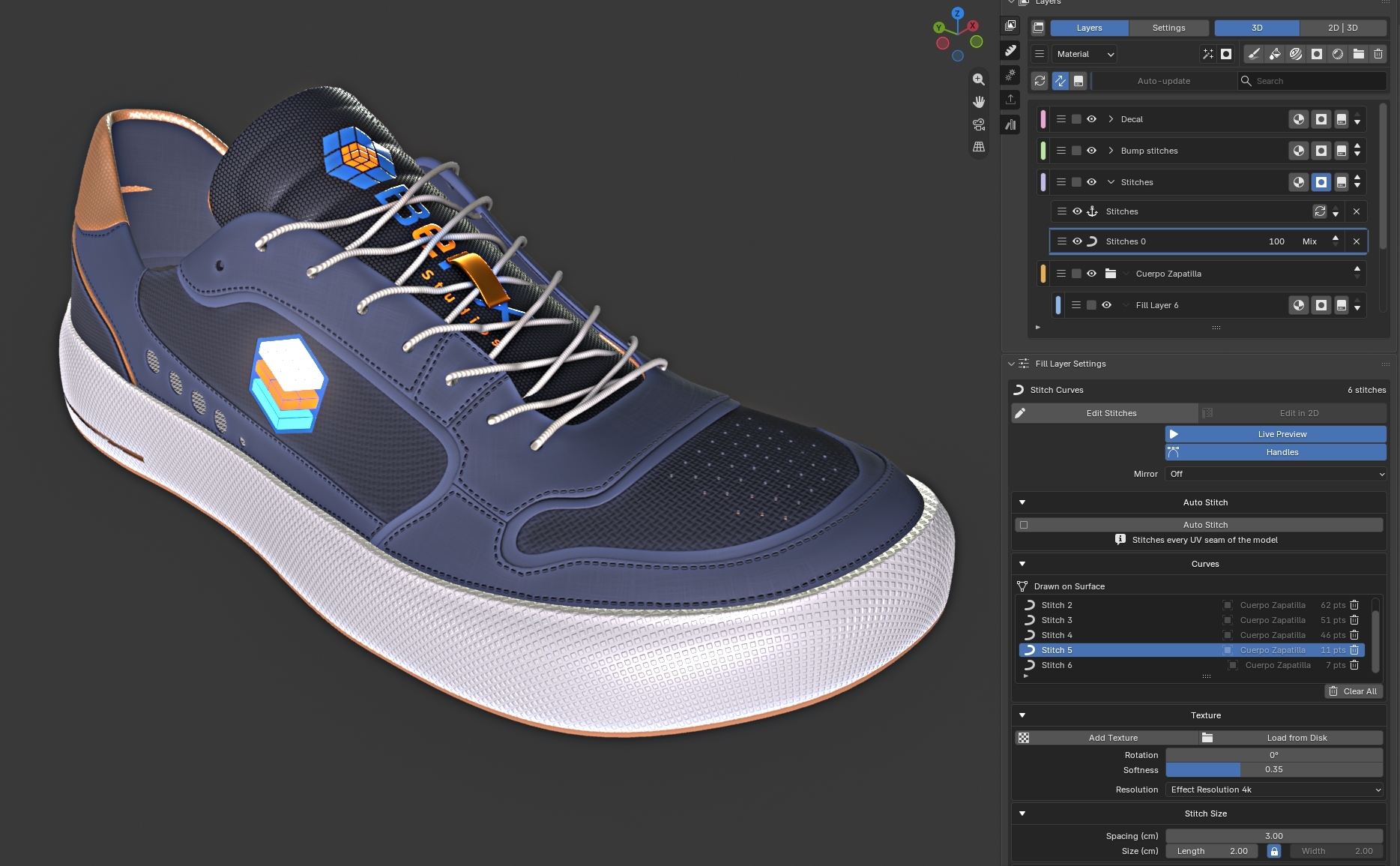
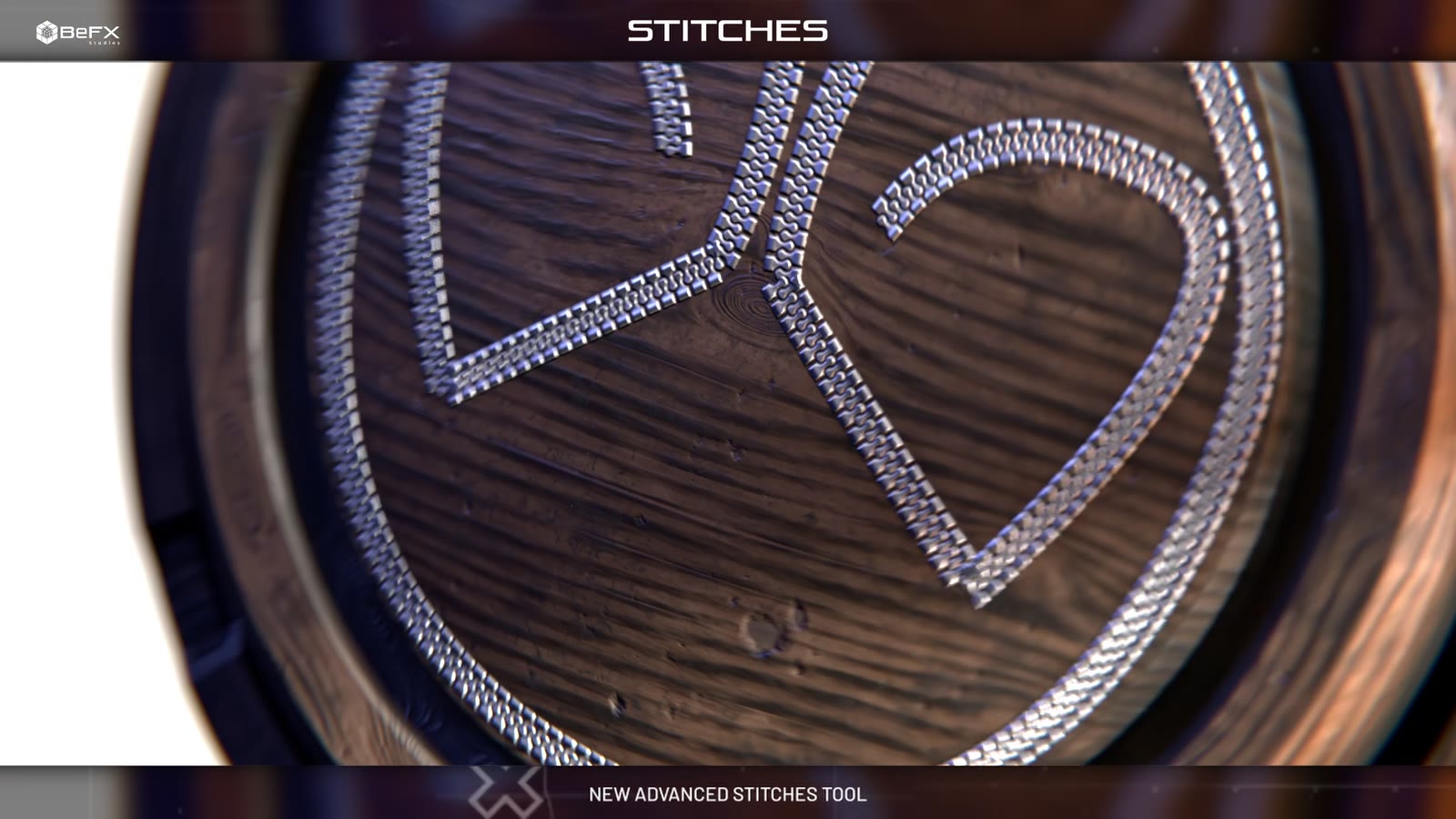
A seam is not a projected image: it is a curve that lives inside the effect and can be re-edited whenever you want. You draw it onto the model in the 3D viewport or on the UV layout in the split view, and stitches from one space are respected while editing in the other.
The editor uses the keys you already know from Blender: G, R and S move, rotate and scale the whole seam; E starts a new one; Shift + D duplicates it; and inside the stroke you get point insertion with Ctrl, per-point pressure with S, straightening by double click and a Ctrl + Z of its own.
The mirror is not a flat copy: the mirrored seam is projected onto the actual geometry of the other side, so it follows the model even where it is not perfectly symmetrical. And Auto Stitch sews the whole unwrap along the model's UV seams — a switch with state, where every setting rebuilds the seams in place, producing real, individually editable seams.
.blend
▼
.blend is sending the whole project.There is no global projects folder any more. A project is created next to your .blend file and, on save, its textures are packed inside it with relative paths. Opening it on another machine rebuilds the folder next to the file on its own, with nothing to press.
Projects you already had keep working exactly as before, and the panel offers a Make Self-Contained button to move them to the new model whenever you want — one that copies, it does not move: the old folder stays intact until you delete it yourself.
Mask Auto-Cache. Caching a mask used to mean locking it. Now, move a slider on a cached mask and it un-caches instantly so you see the change live, then re-bakes the moment you release the mouse. The UI is no longer greyed out, and the system understands paint mode too: it un-caches on entry, re-caches on exit, and swaps by itself when you switch paint layers.
Cascading Effect Auto-Update. Changing something below a baked filter (blur, bevel, slope blur, sharpen, highpass) used to leave its texture stale. Now MatPlus re-bakes everything that depended on the change on its own, in the right order: the effects above it in the same chain, the consumers of a Link in other layers and channels, and the affected cached masks, which are un-cached once and re-cached a single time at the end of the pass.
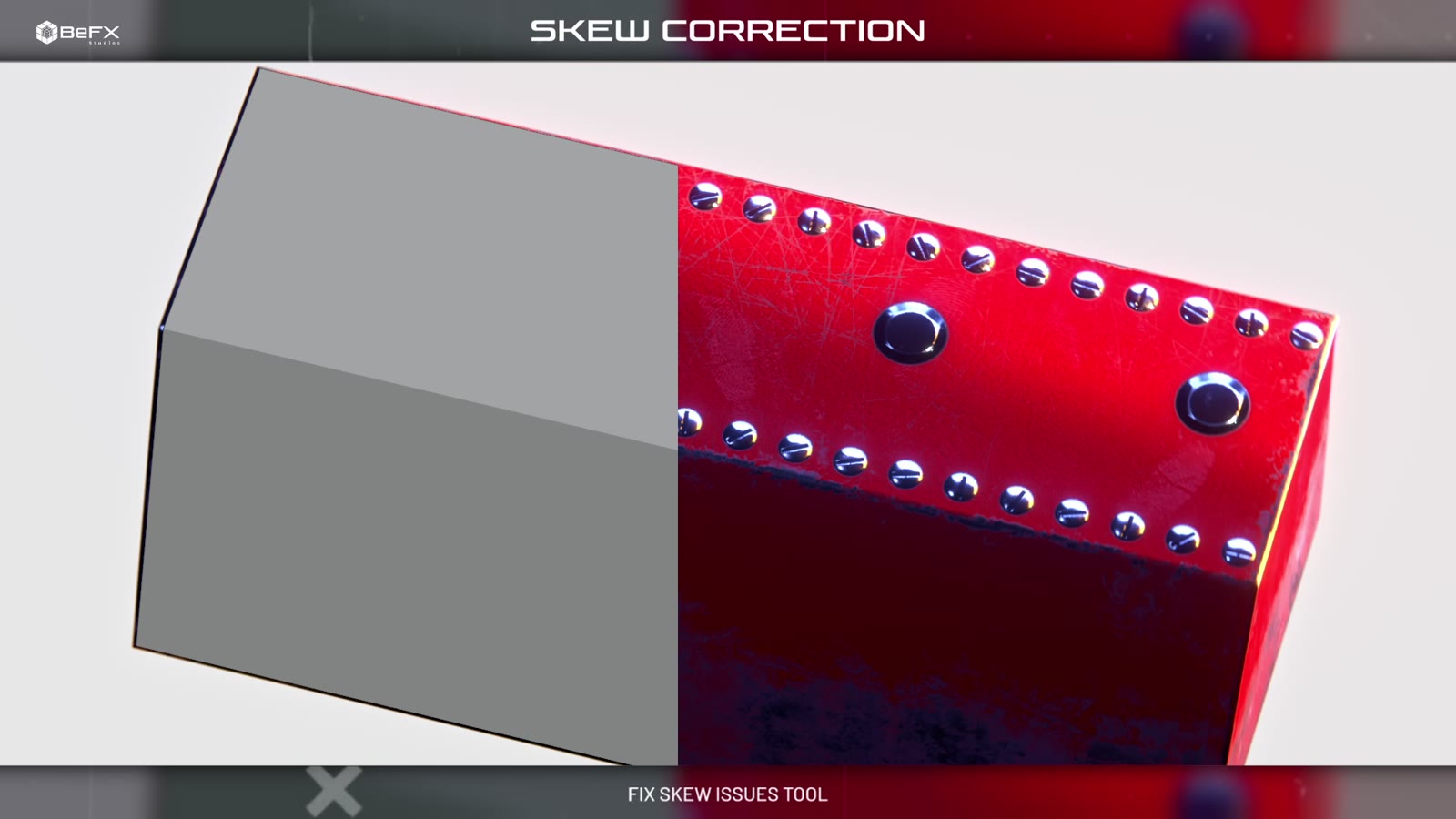
Skew is that distortion that shows up near corners and bevels when projecting from the high poly to the low poly: a rivet that twists as it approaches an edge, lettering that stretches around a curve.
The Skew Correction toggle bakes a second version of each projected map with the rays perpendicular to each face, and then you paint over it with Paint Fix to reveal that version exactly where it is needed. Apply writes the correction into the normal map itself while keeping the original bake aside, so you can repaint and apply again without it piling up.
And when the detail comes from a Multiresolution modifier instead of a separate high poly, the From Multires checkbox adds three more passes: Multires Normal, Multires Displacement and Multires Vector Disp.
Output Templates. Complete export presets, Substance Painter style, with nineteen factory formats: Unreal (Packed), Unity URP and HDRP, glTF 2.0, Godot 4 (ORM), CryEngine, X-Plane, Roblox, Arnold, Redshift, RenderMan, V-Ray, KeyShot and more. Stored on disk, so you configure them once and use them across every project.
Flatten Group. Flattening a group is no longer a one-way trip. It bakes every channel of the group into a single layer and switches the folder off, but leaves a button in the group's row to go in and edit it and to update it again as many times as you need, plus Remove Flatten to undo it entirely.
With Add Custom Texture you pick one or several images from disk, MatPlus copies them into your library, generates their thumbnails automatically and makes them available under the Custom category of every texture gallery: fill effects, material channels, intelligent masks, decals...
The paths have been unified too: there is now a single preference, MatPlus Textures, inside which every first-level subfolder is a library. Adding a new library is creating a folder.
Ctrl + D.

The stack works the way you expect: paint layers, fill layers, groups, blend modes, opacity and a mask on any of them. What changes is what sits underneath — a node tree MatPlus builds and maintains on your own Blender material, so the viewport is already the final result.
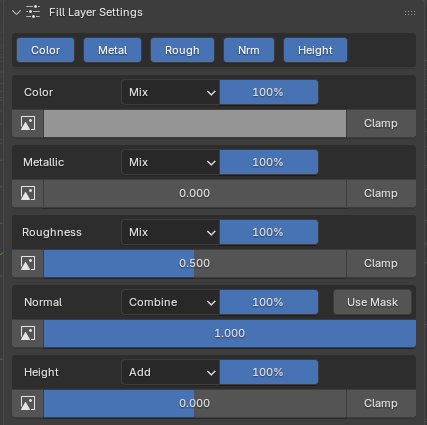
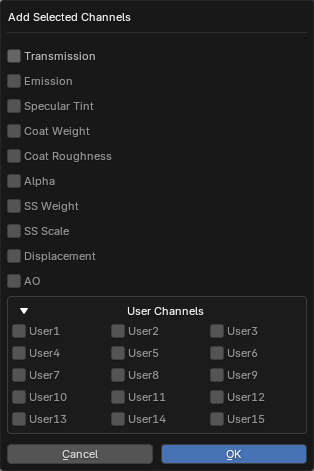
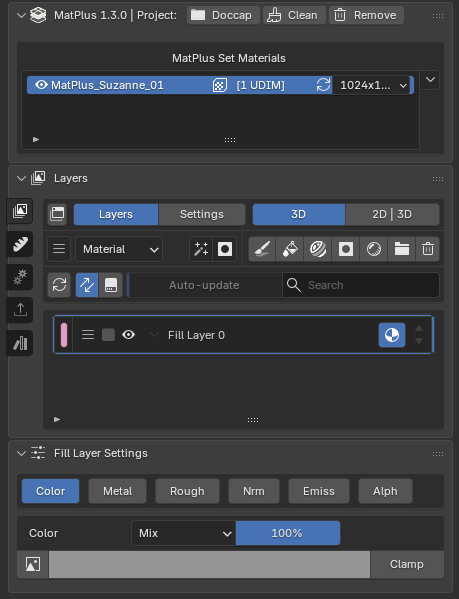
Eleven families of effects, stackable on any layer channel or mask, all non-destructive and all live in the viewport.
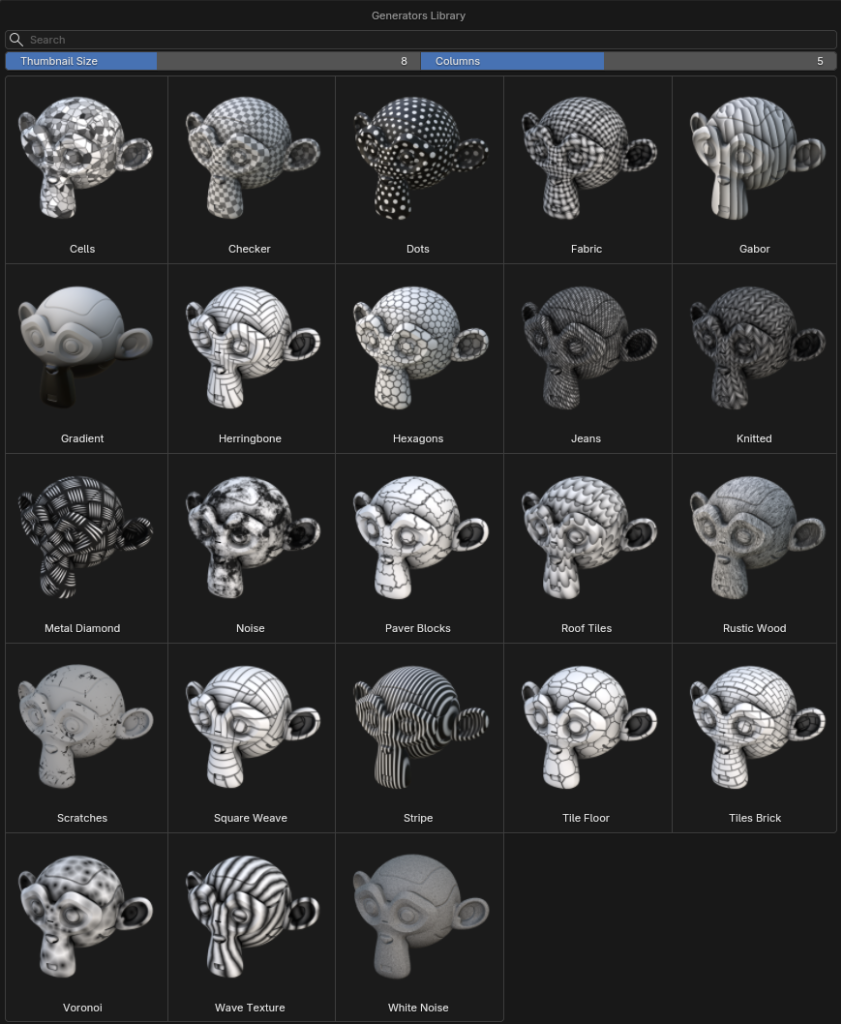
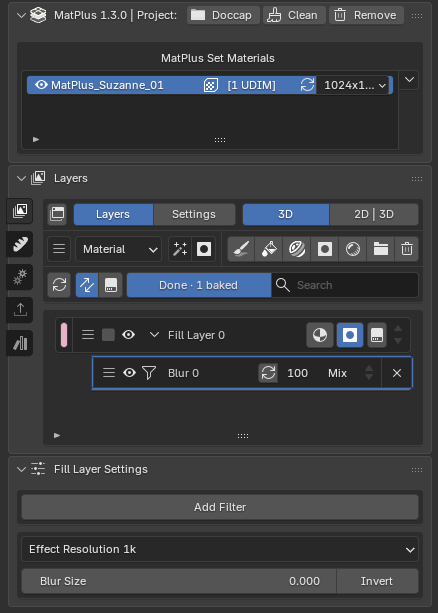
Every filter is one more row inside the layer or the mask, with its own factor and blend mode, reordered and deleted like any other effect. Seven of the twenty-one are baked to an image instead of resolved in the shader — they carry a resolution dropdown you keep low while you work and raise for the final result. These are the ones you will reach for most:
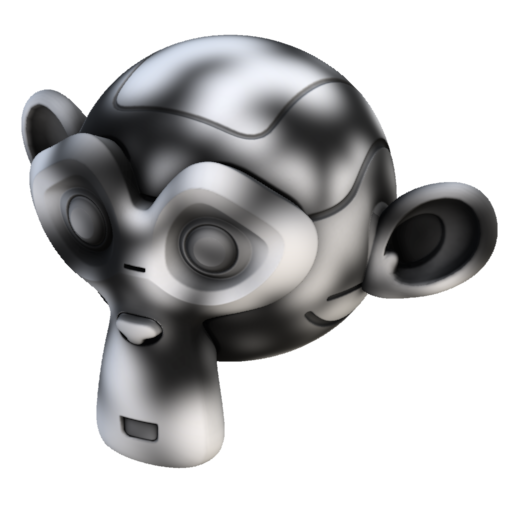
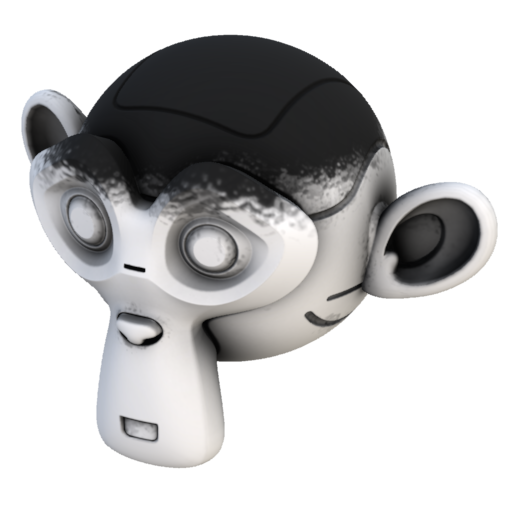
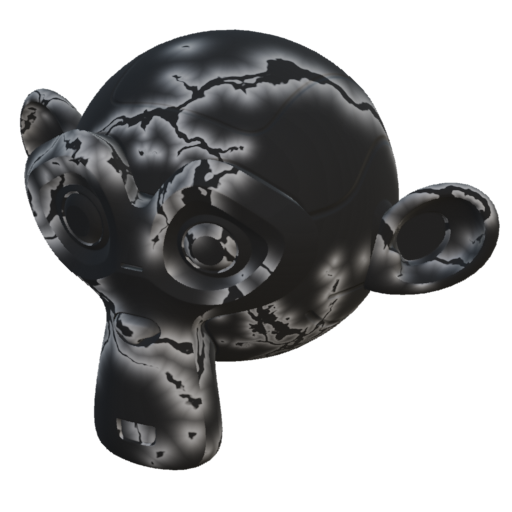
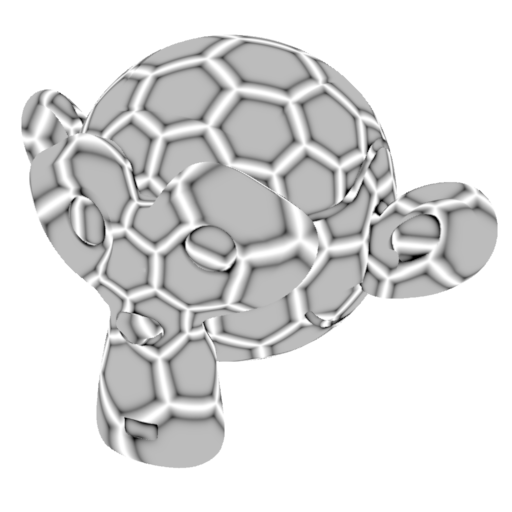
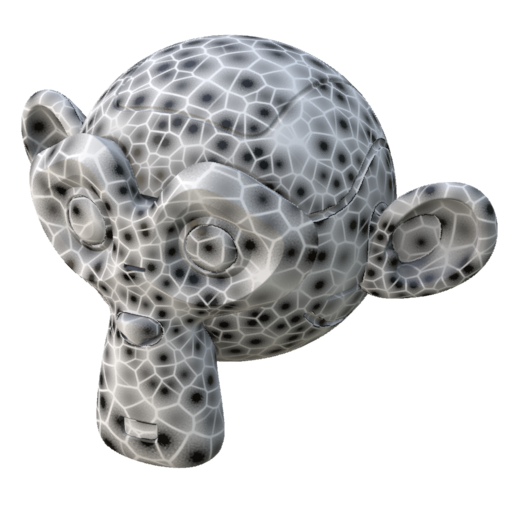
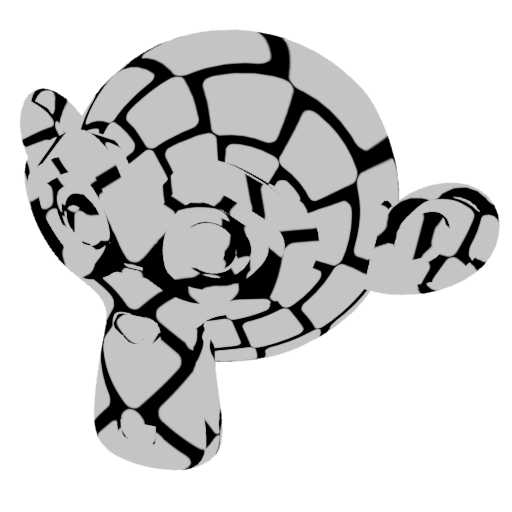
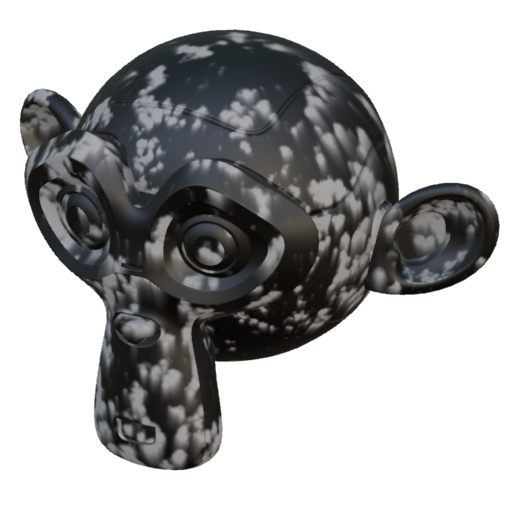
Driven by the baked mesh maps, intelligent masks put wear where edges are exposed and dirt where cavities are deep — automatically, and adjustable at any time.
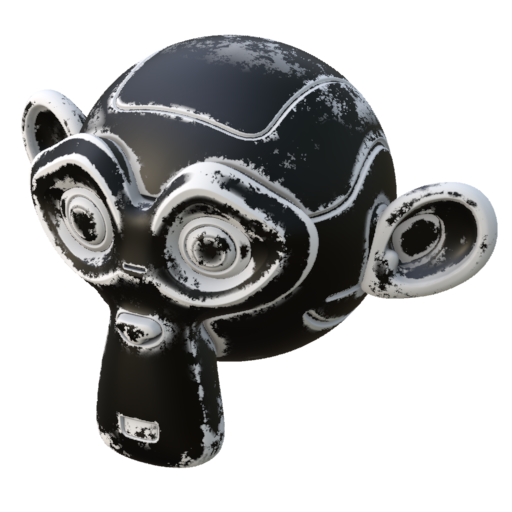
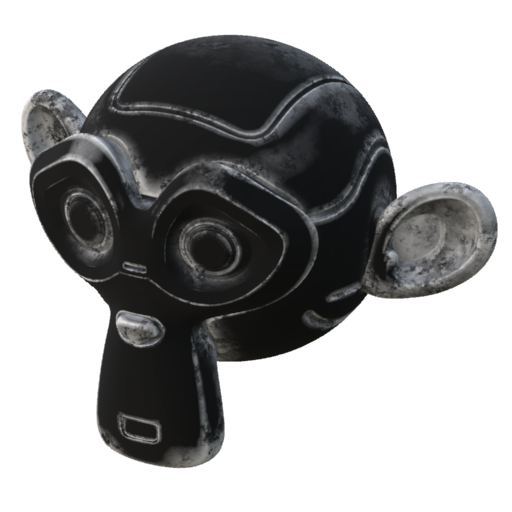
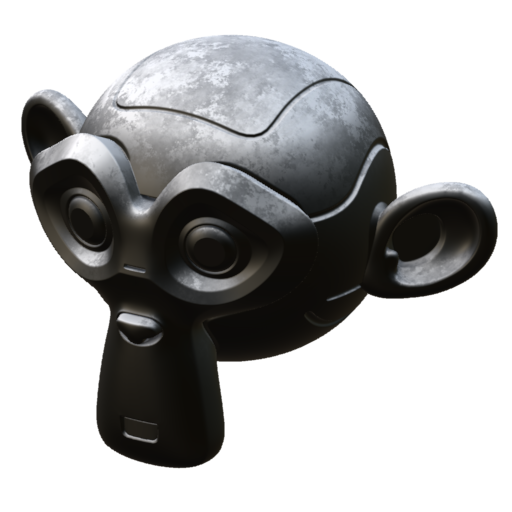
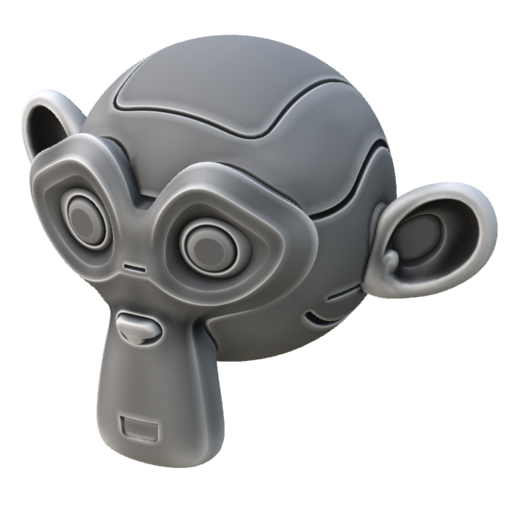
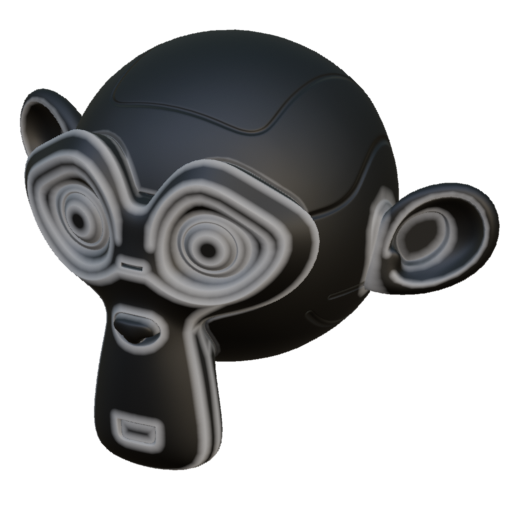
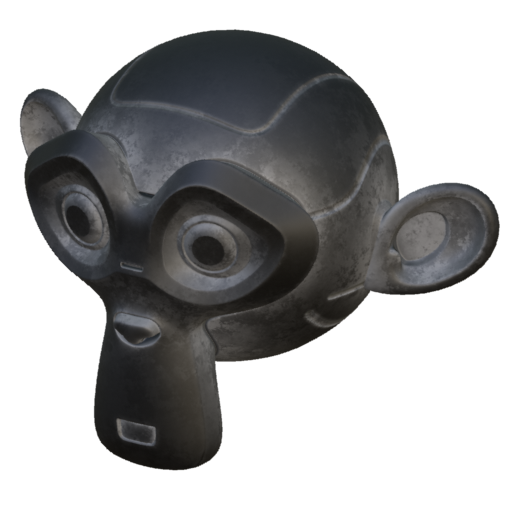
It stacks seven sources into a single mask — Thickness, Position Gradient, World Space Normal, Curvature, Ambient Occlusion and two textures — each with its own blend mode, opacity, invert and levels, plus a Global block at the very top. The factory values are Substance's: the geometric ones on Add, occlusion on Multiply and textures on Overlay.
The two vector layers bring their three axes separately, the curvature one brings the Mode dropdown and the four scales, and the texture ones their gallery with UV or triplanar projection. Blending curvature with occlusion and a grunge stops being a chain of four effects.
That is what trims, piping, clean lines along the cut, seam wear and seam hiding are made of, without painting the outline by hand.
It is the only one that needs nothing baked: its map is computed from the UVs themselves in a fraction of a second when you assign the effect, so it is available from the start, on a brand new project. Its main control, Distance, is in UV units, not pixels: it means the same at 1K and at 4K.
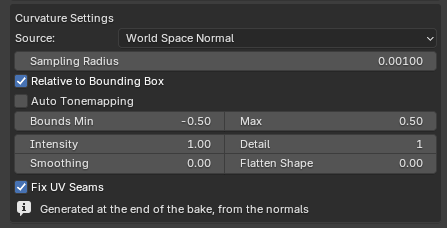
Alongside the Curvature, MatPlus now bakes a second pass: four copies of the map measured at ever wider radii, packed into the four channels of a separate EXR and calibrated against Substance's.
They show up as four sliders on the Curvature mask, on Edge Wear, on Dirt and on the curvature layer of the Mask Generator. With a single scale, anything rounder than a texel lands on neutral grey and the wear comes out weak. There is nothing to tick — they come out of the same pass as the Curvature, they support UDIM, and in an older project without them they are generated on their own.
Two brand-new effects for the work that used to be done by hand: contours that would come out shaky if brushed, and stitching that would take forever placed one by one. Both are curves that live inside the effect and stay editable forever.
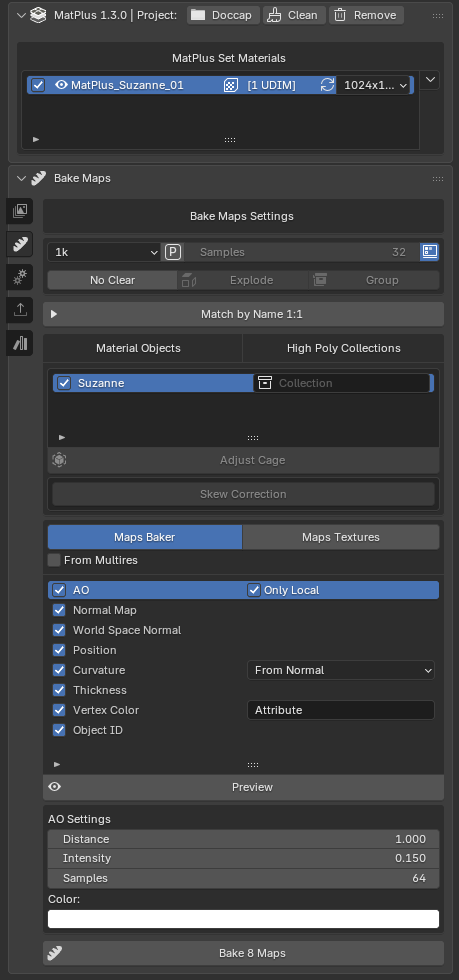
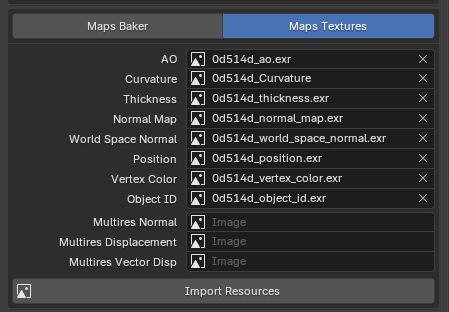
MatPlus bakes up to 9 different mesh maps — AO, Curvature, Curvature Scales, Thickness, Normal, World Space Normal, Position, Object ID and Vertex Color — with High Poly → Low Poly projection, an automatic adaptive cage, passes from a Multires modifier and paintable skew correction.
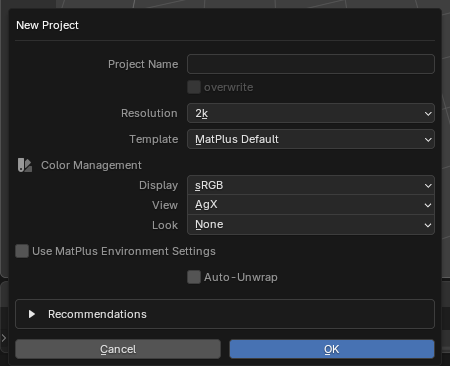
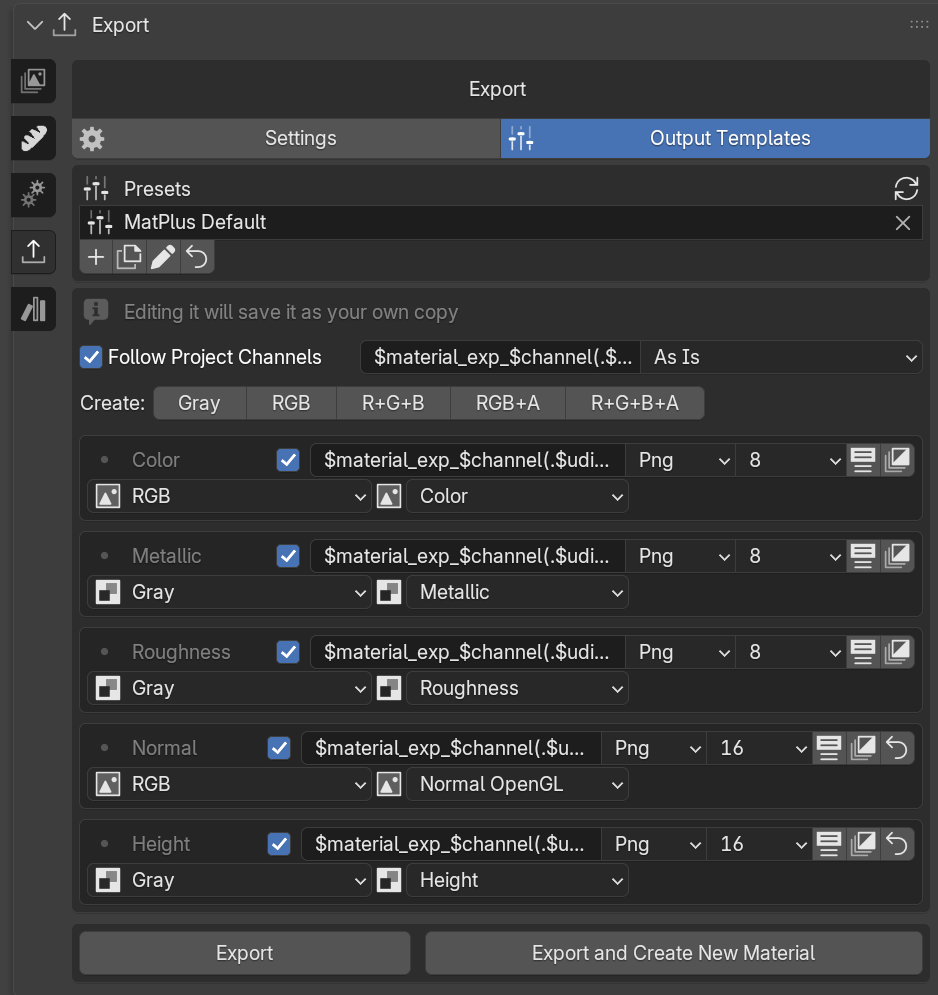
A template decides which textures come out, what they are called, in which format, and what sits in each colour component — and it is not only an export decision: the template you pick when you create a project decides which channels that project starts with.
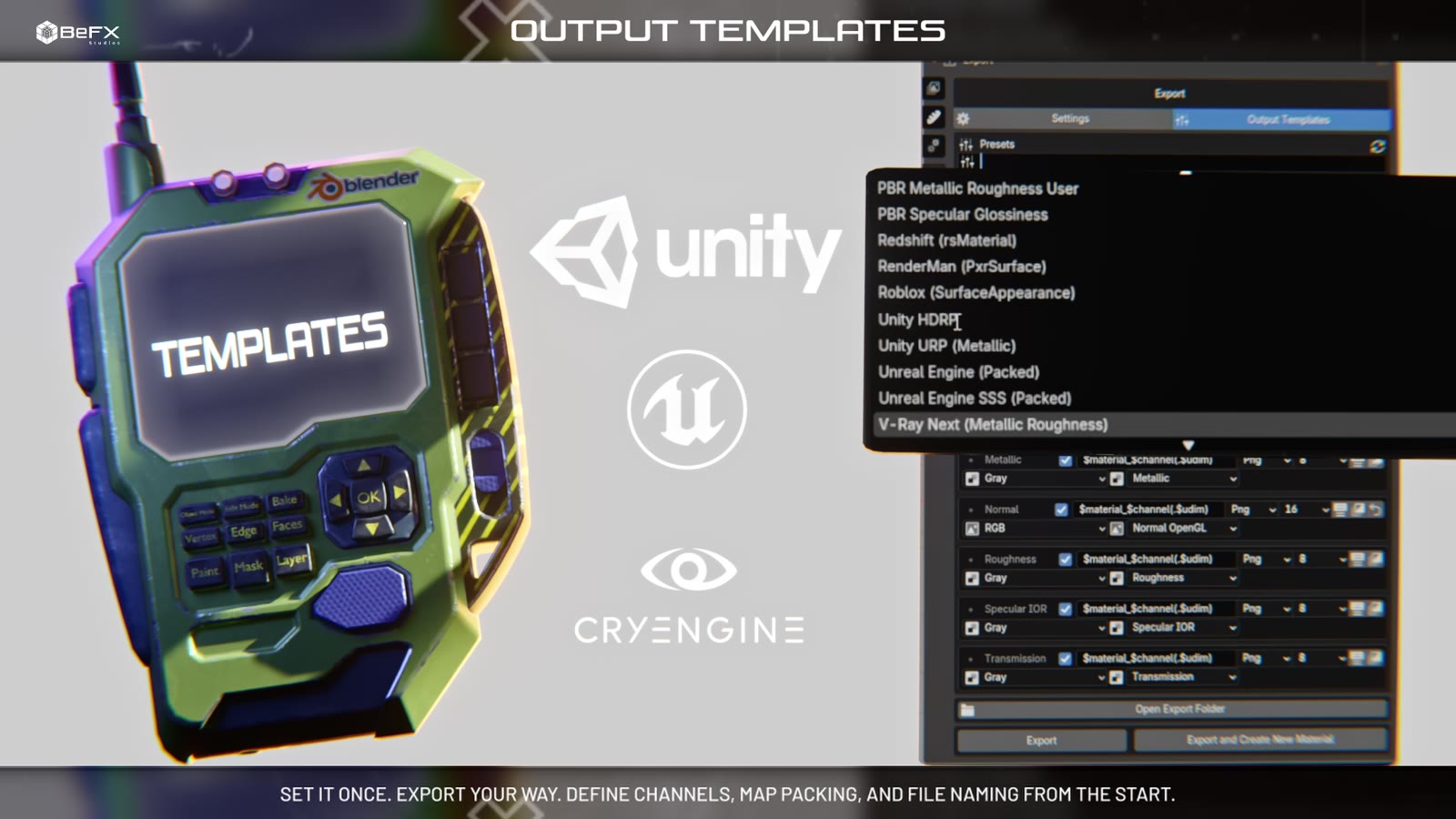
Nineteen factory formats ship with it: Unreal (Packed), Unity URP and HDRP, glTF 2.0, Godot 4 (ORM), CryEngine, X-Plane, Roblox, Arnold, Redshift, RenderMan, V-Ray, KeyShot and more. Five packing types (Gray, RGB, RGB+A, R+G+B, R+G+B+A), derived maps computed on the fly (Glossiness, Diffuse, Normal DirectX...), name variables ($mesh, $material, $udim...) and subfolders.
Templates are stored on disk, so you configure them once and use them across every project. Factory ones can be edited freely: saving creates a copy of your own, and you can always restore the original. Exporting leaves a summary when it finishes — how many textures came out, how long it took, what failed and why.
The BeFX Library is a sidebar module wired to the BeFX Cloud, where you grow your local library without leaving Blender — with search, categories, favourites, an Only Available filter and background thumbnail downloads.
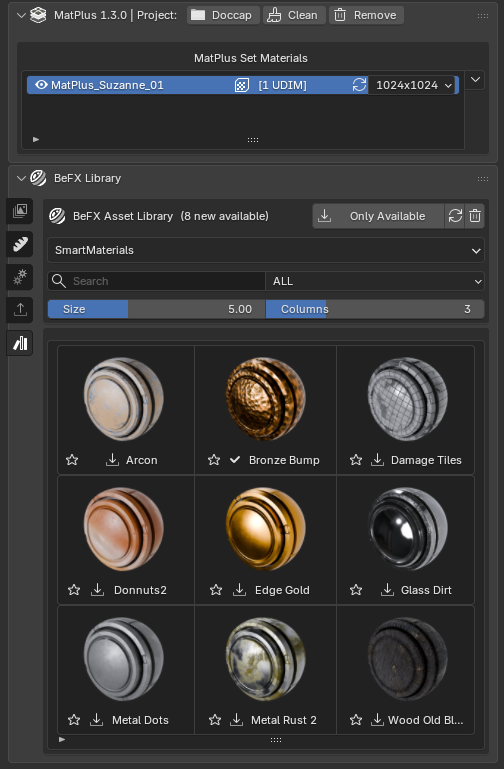
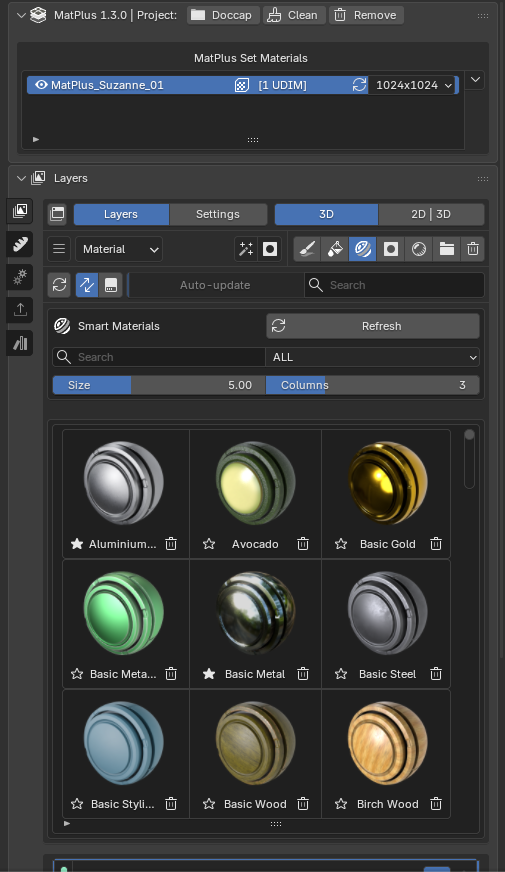
The brush engine is Blender's own, extended by MatPlus: brushes, stencils, cloning and paint masks are the native ones, so if you already texture paint in Blender there is nothing to relearn. Every paint layer remembers its own brush settings.
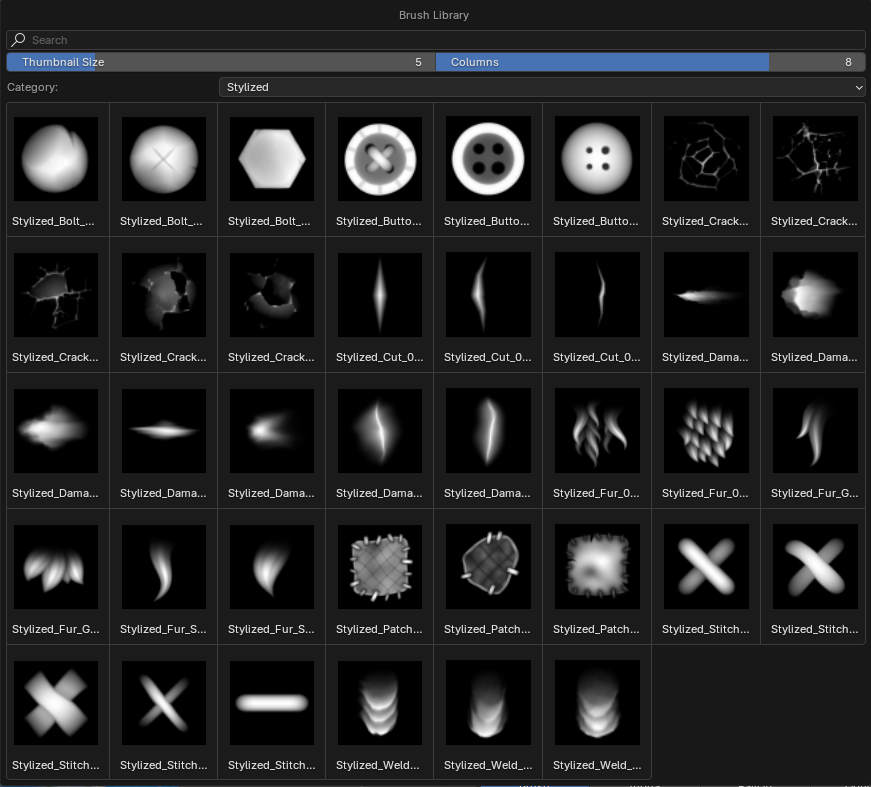
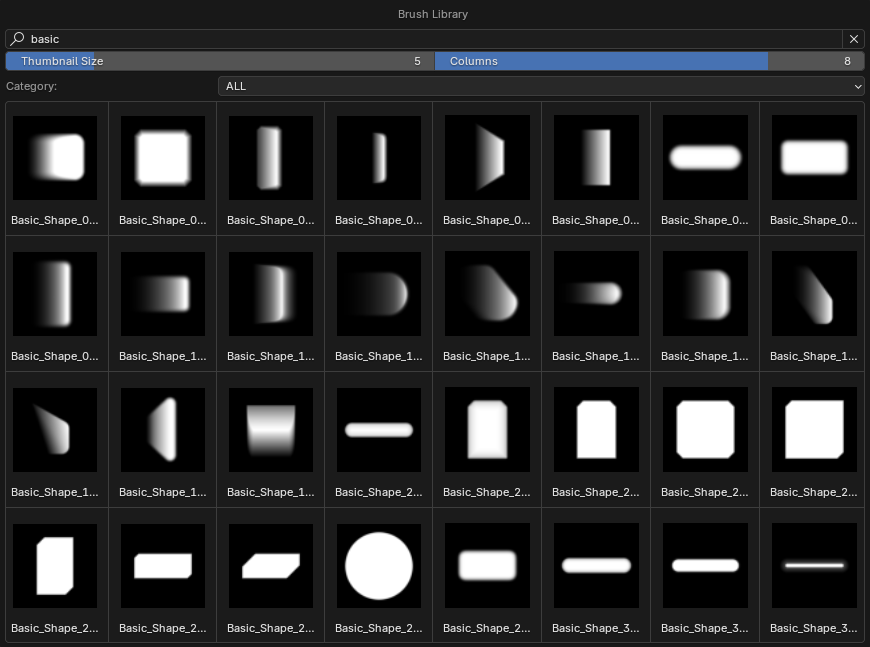
The concepts map across and much of the naming is deliberately the same, so the transition is immediate.
| Concept | Substance 3D Painter | MatPlus |
|---|---|---|
| Environment | Standalone app; import the model, re-export the textures | Add-on inside Blender; you paint on your scene's material, no round trip |
| Model organisation | Texture Sets (one per material) | Blender materials, handled from the MatPlus material list |
| Layer stack | Fill layers, paint layers, folders, masks | Fill layers, paint layers, groups, masks (1:1 equivalent) |
| Channels | PBR channels configurable per Texture Set | 16 PBR channels into the Principled BSDF, plus 15 user channels |
| Mask effects | Generators, Filters, Levels, Fill, Paint | Generators, filters, levels, fill and paint (same effect-stack logic) |
| Reusing a mask | Anchor Points (live reference) | Links (baked texture, refreshed with Update) |
| Mesh maps | Bake Mesh Maps | Bake Maps, with High→Low projection, Multires and skew correction |
| Mask Editor | Mask Editor | Mask Generator, seven stackable sources with their own blend modes |
| Reusable materials | Smart Materials and Smart Masks | Smart Materials (.mpsm) and Smart Masks (.mpsmask) |
| Preview | Iray engine / its own viewport | Blender's Eevee and Cycles: what you see is your final render |
| Export | Per-engine export presets | Output Templates: 19 factory presets, and you can build your own packing |
| UDIMs | Supported | Supported |